22
3.2 System Status
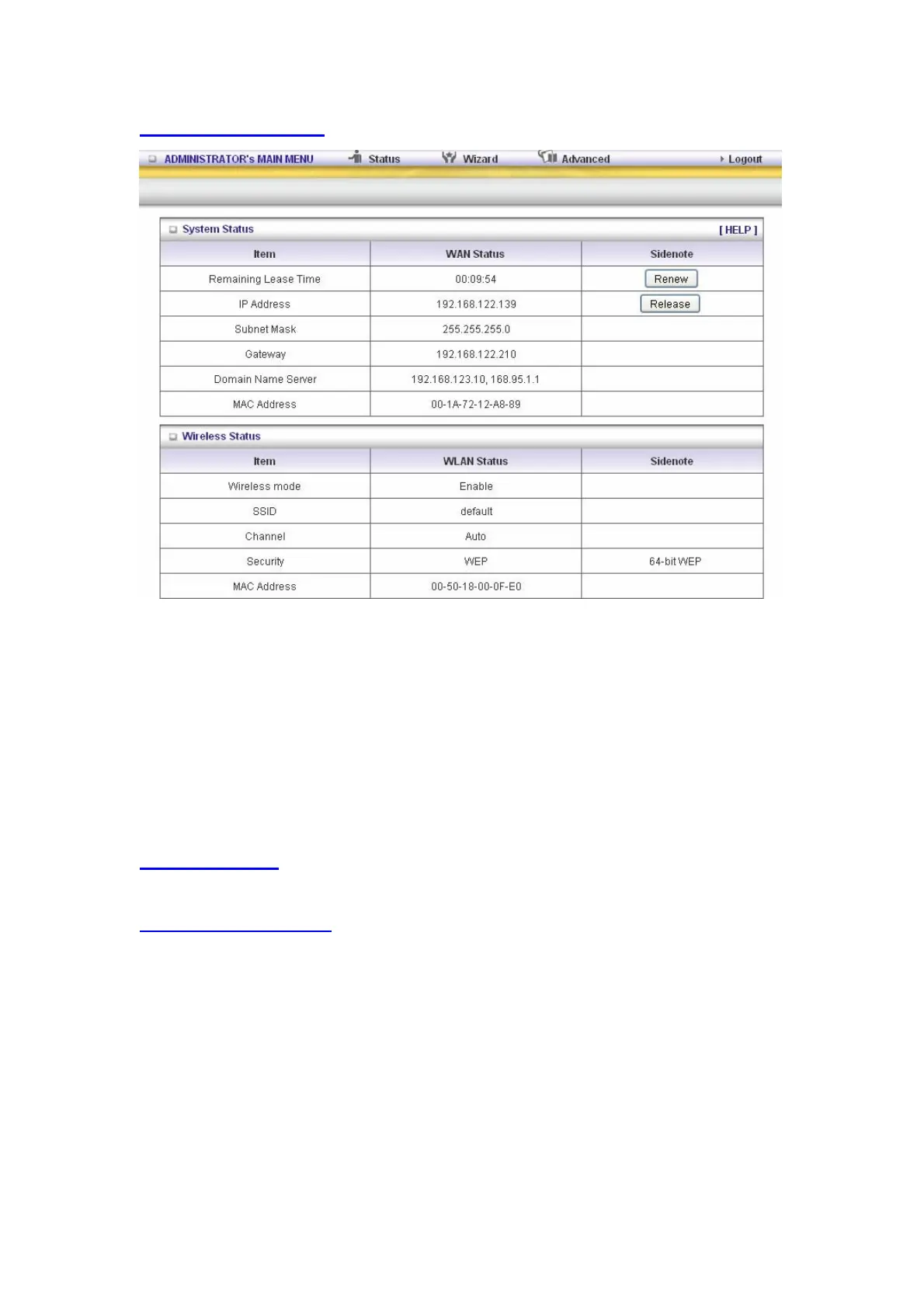
This option provides the function for observing this product’s working status:
WAN Port Status.
If the WAN port is assigned a dynamic IP, there may appear a “Renew” or “Release” button on
the Sidenote column. You can click this button to renew or release IP manually.
Statistics of WAN: enables you to monitor inbound and outbound packets
3.3 Advanced
3.3.1 Basic Setting
Please Select “Advanced Setup” to Setup



 To Next Page
 Loading...
