EasyManua.ls Logo

Keenon Robotics W3 - User Manual

Keenon Robotics W3
96 pages
Print Icon
To Next Page IconTo Next Page
Loading...
1
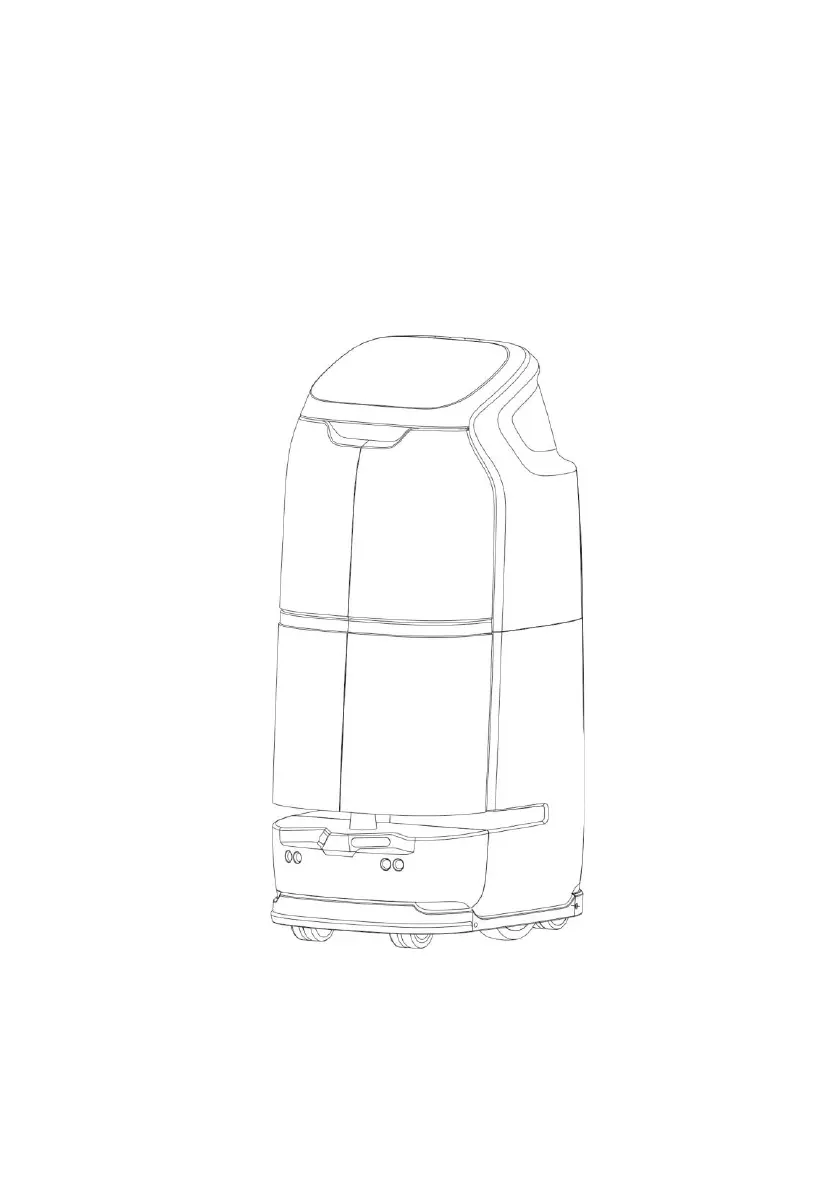
Smart Delivery Robot
W3 User Manual

Questions and Answers

Summary

Notice

Safety Instructions

General Warnings and Precautions

Crucial safety warnings for robot operation, handling, and environment.

RF Exposure Compliance

Information on RF exposure limits and minimum separation distances.

Introduction

Robot Identification

Robot Introduction

Introduces the W3 smart delivery robot and its purpose.

Robot Structure Overview

Details the physical components and design of the W3 robot.

Operations (Using the Robot)

Installation and Setup

Procedures for robot mapping and charging pile installation.

Startup and Basic Controls

Powering on the robot, launching the app, and basic controls.

Settings and Core Functions

Configuring settings, adjusting volume, changing password, and core operations.

Advanced Features and Delivery

Additional functions, charging options, compartment selection, and delivery notifications.

Delivery Process

Charging Procedures

Auto and Manual Charging

Explains automatic and manual charging methods.

Charging with Power Adapter

Procedure for charging using an external power adapter.

Emergency Handling and Movement

Emergency Stop Procedures

Instructions on how to stop the robot in emergency situations.

Manual Robot Movement

Proper techniques for manually moving the robot.

Appendices

Faults and Troubleshooting Guide

Common issues and their solutions for the robot.

Specifications

Warranty Policy

Keenon Robotics W3 Specifications

General IconGeneral
BrandKeenon Robotics
ModelW3
CategoryRobotics
LanguageEnglish

Related product manuals