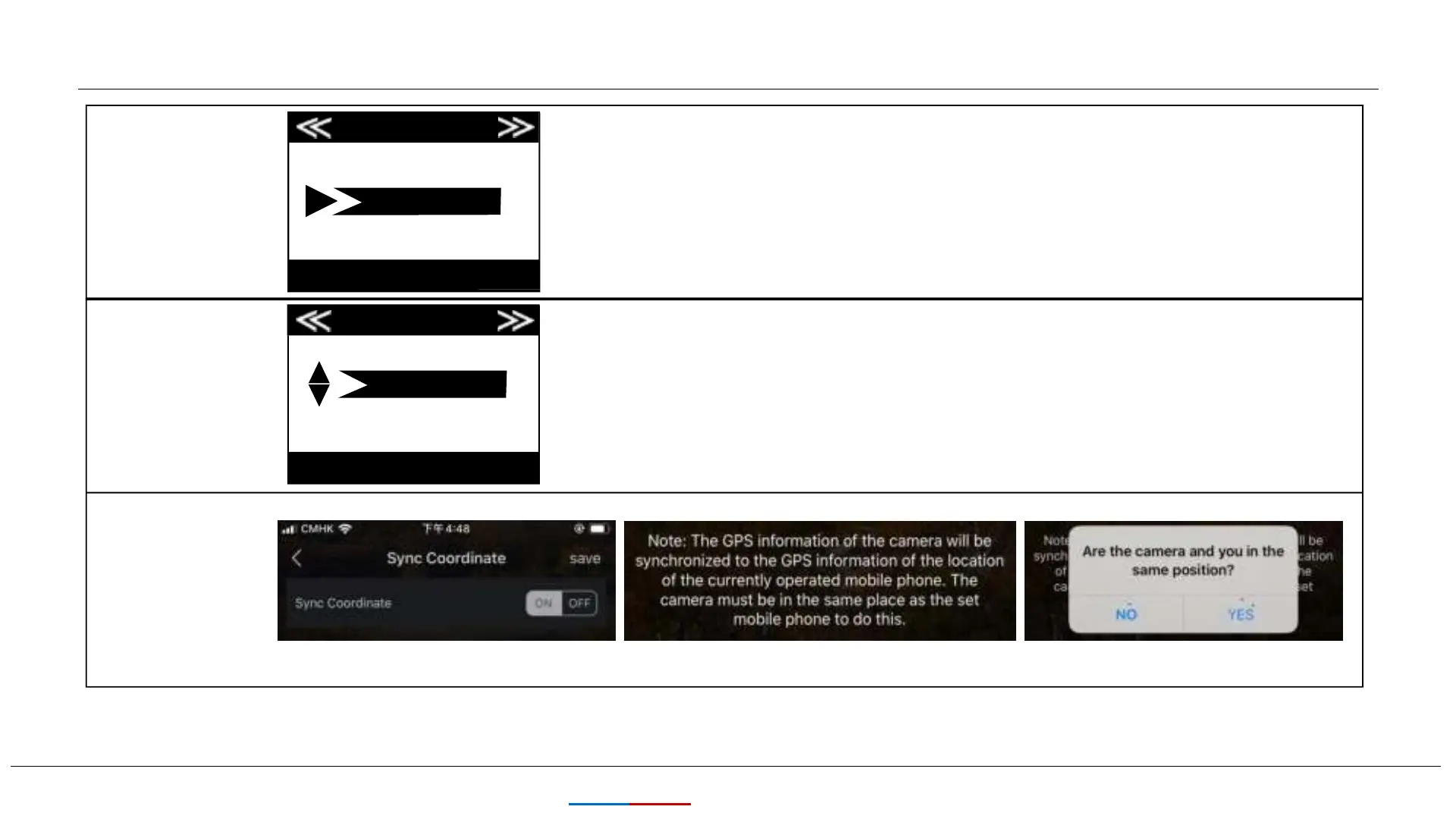
Settings
Camera Name
11
KEEPTIME
Camera Name
Interval
Input
Interval
10s
MENU
OK Set MENU Exit
OK Set Exit
Allows the user to set a custom name for the camera. Useful
for ID purposes when multiple cameras are setup, since each
camera will imprint its name on all photos (but not videos) it
captures.
You can choose 1s~59 or 1m~60m.Selects the length of time that
the camera will“wait”until it responds to any additional
triggers from the PIR after an animal is first detected and remains
within the sensor's range.
During this period of time user set“ignore triggers”interval, the
camera will not capture photos/videos.This prevents the card
from filling up with too many redundant images.
Sync Coordinate
Set it in mobile APP


 To Next Page