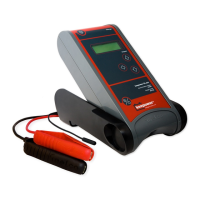
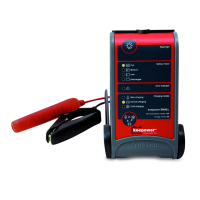
Small, Medium, Large and XL-Con
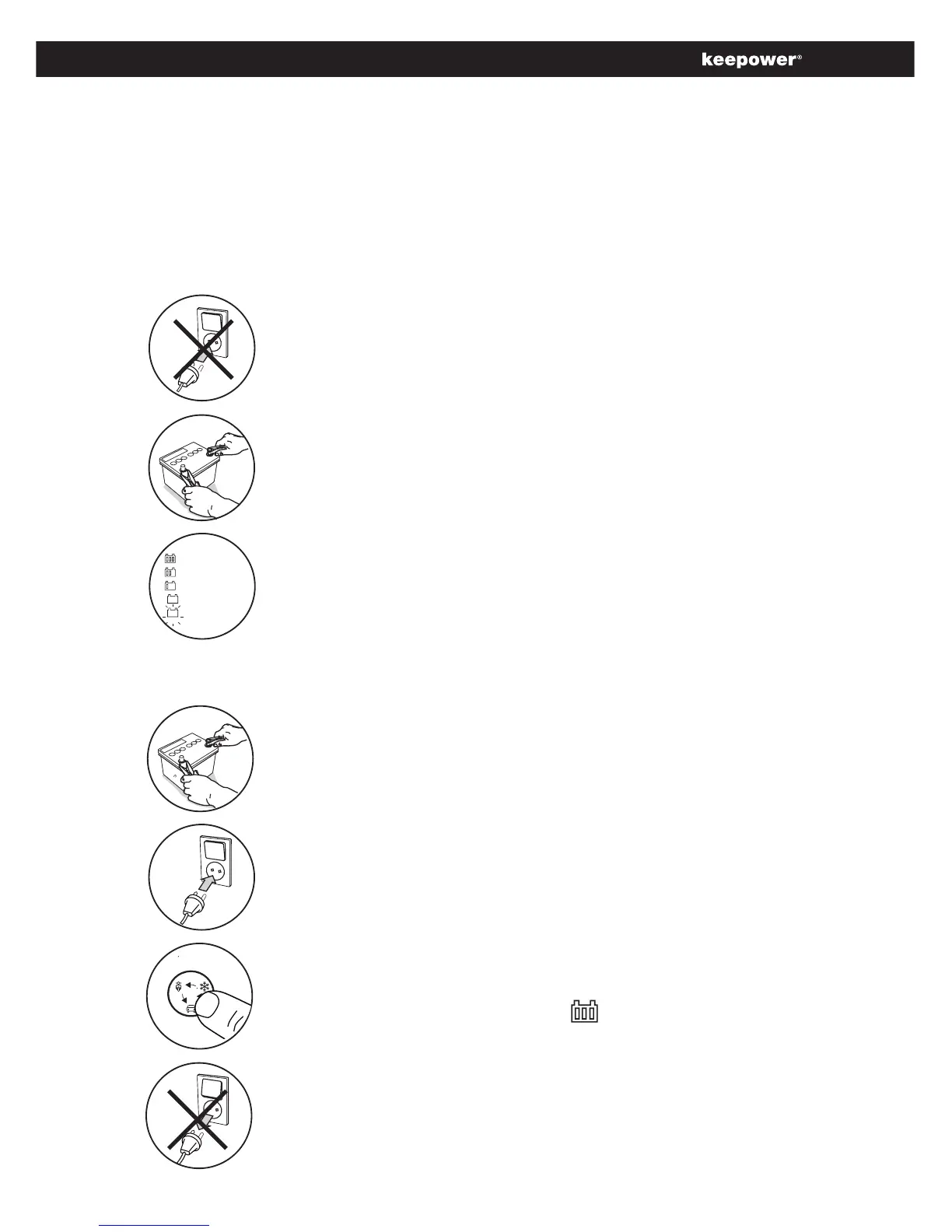
Connect the clamps to the battery.
• Red to + terminal
• Black to - terminal
Select charging mode.
• Select charging mode, and charging will start.
• ChargingnishwhenLEDconstantlight.
• Charger can be constant connected.
Before disconnection.
• Switch off mains supply.
• Unplug the charger.
• Remove the clamps.
Full
Medium
Low
Discharged battery
Deep Discharged
Battery indicator.
• Indicates the battery state.
Step 1 How to detect the battery condition.
Connect the clamps to the battery.
• Red to + terminal
• Black to - terminal
Procedure how to charge or detect a battery.
Insure mains supply disconnected.
• Disconnect mains to show battery state in display.
Step 2 How to charge the battery.
Connect to mains supply and switch on.
• Charger can be constant connected.
For reliable reading, the battery should be at room temperature (20 ºC), and it
must have been resting for at least 4 hours (no charging has taken place either
in the vehicle or using the Inelco Intelligent Battery Care charger). If charging has
taken place within the last 4 hours, a higher reading will be the result.


 To Next Page