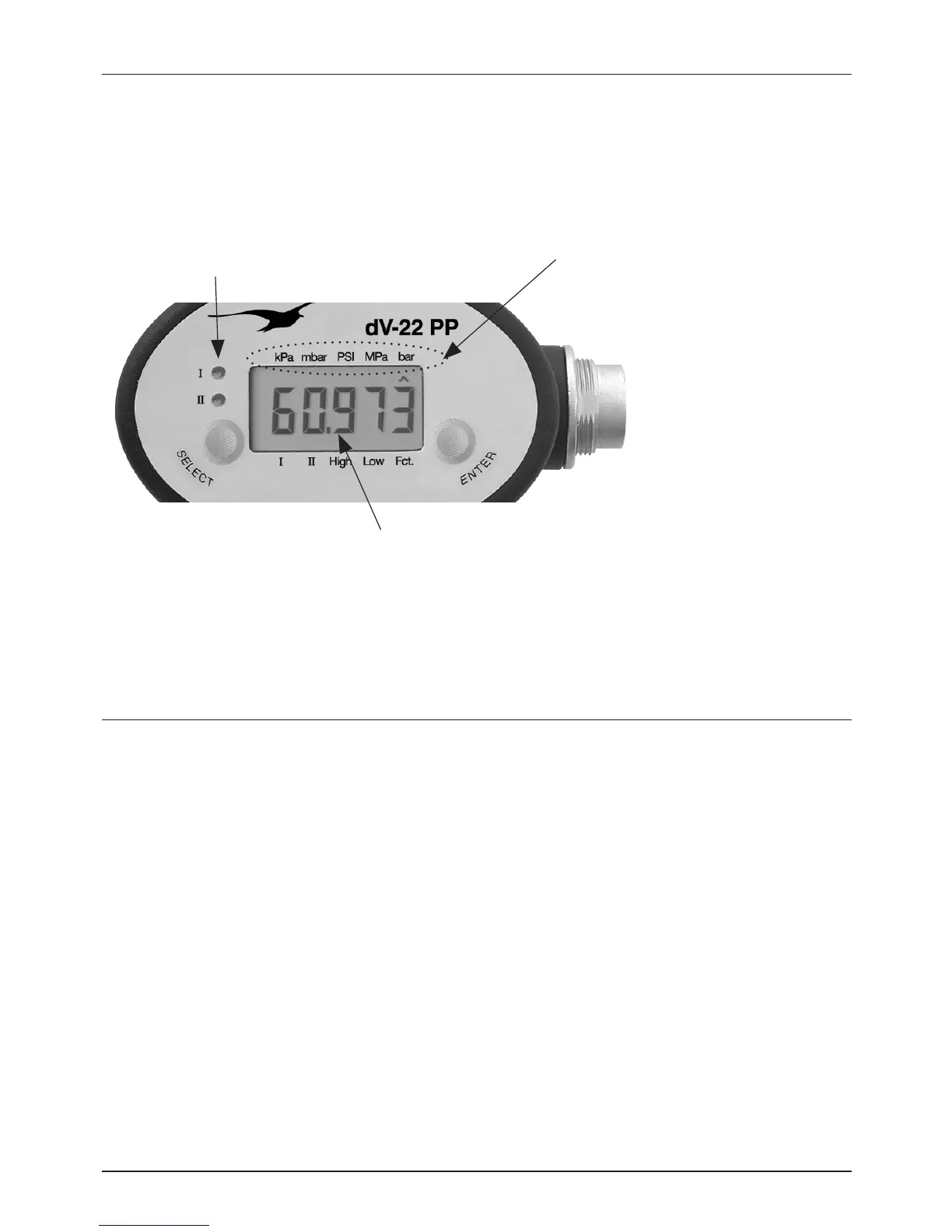
Display
In normal mode the programmer displays the actual pressure value of the pressure
switch (only for pressure switches with an analog output), and the status of the switch
outputs with LED’s.
LEDs for the indication of the
status of the switch outputs
Pressure measuring units
Pressure value
Programmer dV-22 PP - 7 -
Menu Navigation
Navigation in the display menu is made with the two keys SELECT and ENTER.
Functions of the keys
SELECT: Navigate forwards within the menu
ENTER: Select the menu item


 To Next Page