S_NG UP YOUR MACHINE
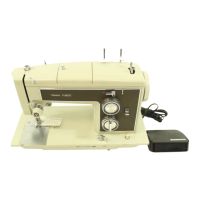
1, Install your Kenmore sewing machi_ in s
Kenmore .blnet Or OP.,e_or set the
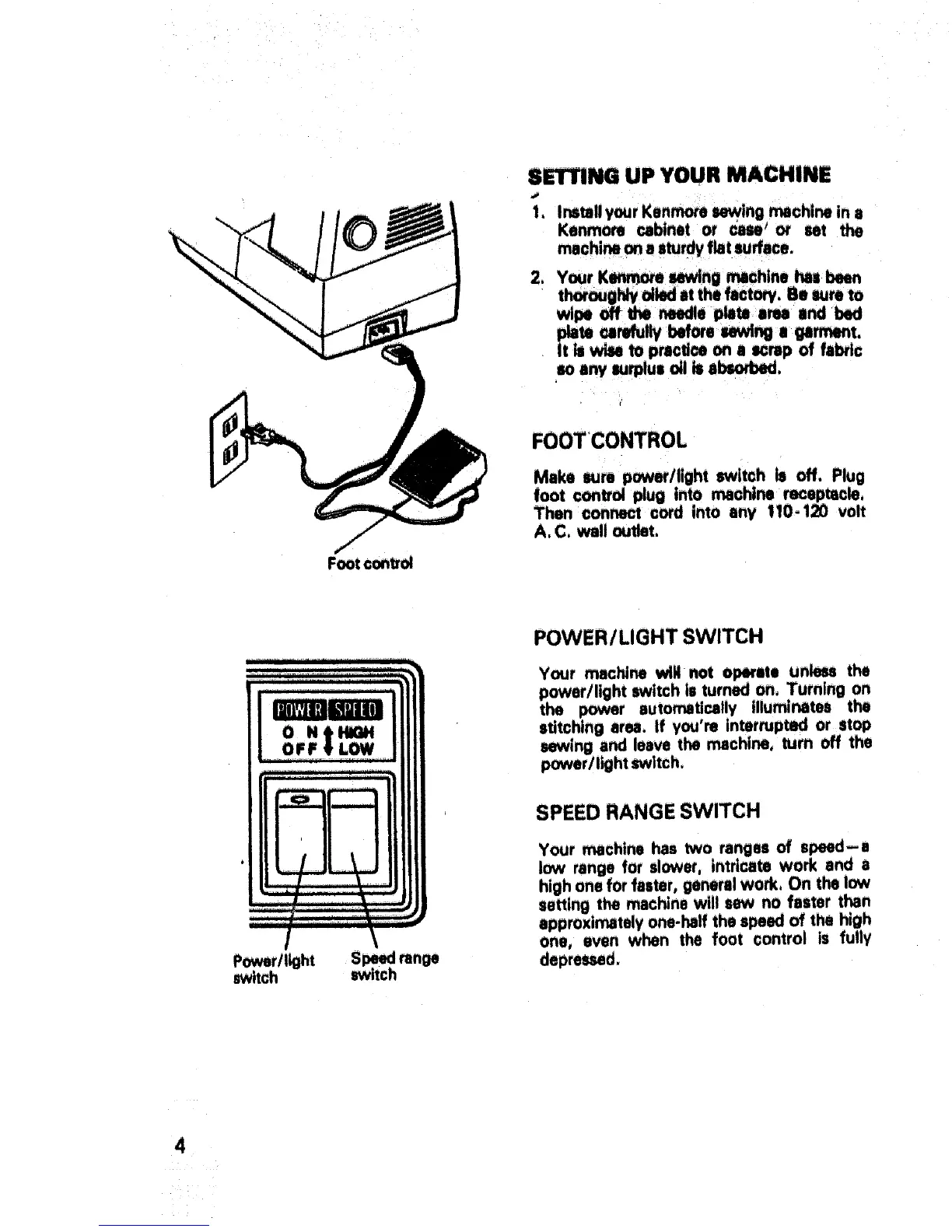
Foot control
2_ Your K_e sewing _chine has been
thoroughlycited at the factory. Be sumto
wipeoff the_ie p_W e_ endbed
_ie ur_tlv I_ore uwl_:e garment,
It i_ wise to practice on a mrap of fabric
so any lurplul oil is a_.
FOOT CONTROL
Make wre power/light switch le off. Plug
foot control plug into machine receptacle,
Then oon_t cord into any i10-120 volt
A, C, wall outlet.
Power/light
switch
S_ran_
switch
POWER/LIGHT SWITCH
Your machine will not operate un_ the
power/light switch is turned on, Turning on
the _r sute_tically illuminates the
stitching sru. if you're interrupted or stop
sewing and leave the machine, turn off the
power/light switch.
SPEED RANGE SWITCH
Your machine has two ranges of speed-a
low range for slower, intricate work and a
high one for faster, generalwork, On the low
setting the machine will sew no faster then
approximately one-half the speed of the high
one, even when the foot control is fully
depre_d.
4



 To Next Page