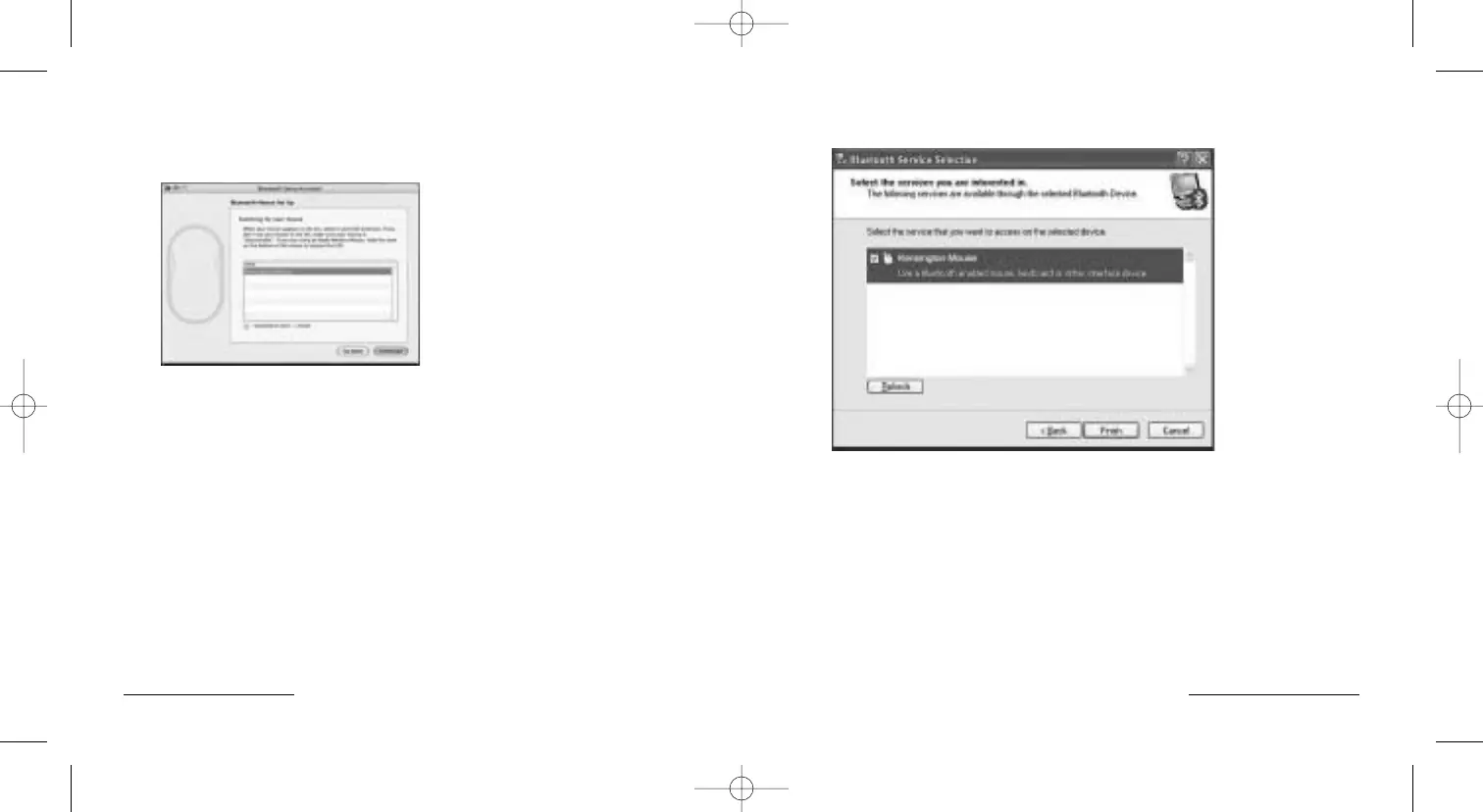
Bluetooth® Service Selection
Check the box next to the mouse icon.
Click Finish.
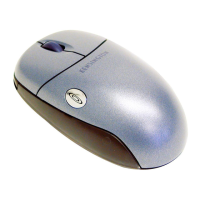
The PilotMouse Bluetooth® Mini should begin working immediately.
If not, try following the steps in the Troubleshooting section.
PilotMouse Bluetooth® Mini • 9
Pairing and Connecting your Device—
in Mac OS X (10.2.6 and later) cont’d
5. Press the connect button on the bottom of the mouse. Ensure the batteries
are installed correctly. If necessary, remove and re-insert the batteries to
reset the mouse.
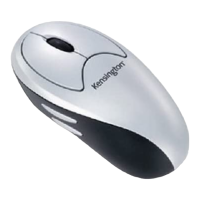
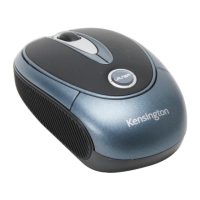
6. Once the computer has discovered the mouse it will be shown as Kensington
PilotMouse for Bluetooth® Mini (it may take a moment for the computer to
resolve the mouse name).
12 • PilotMouse Bluetooth® Mini


 To Next Page