EasyManua.ls Logo

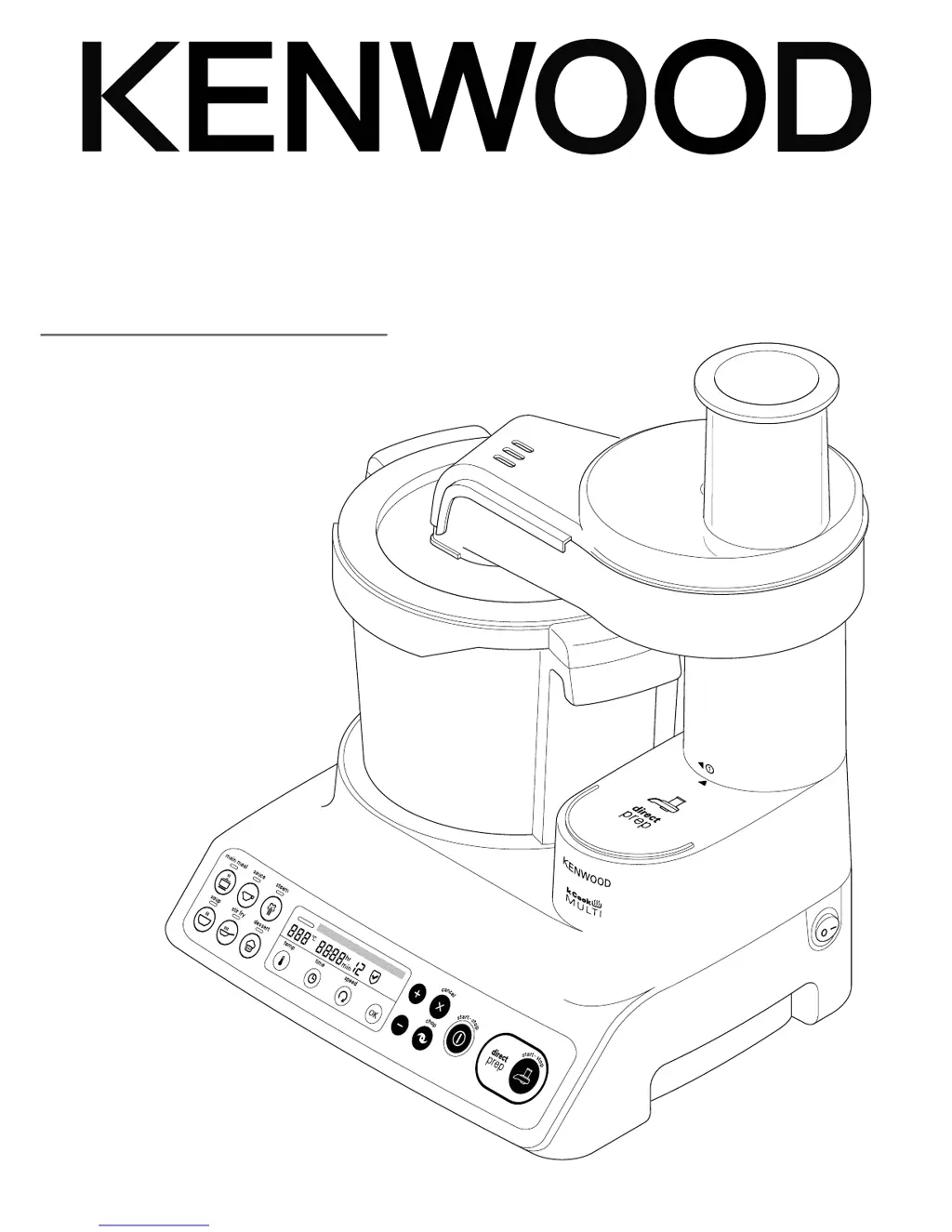
Kenwood CCL40 - User Manual

Kenwood CCL40
208 pages
Print Icon
To Next Page IconTo Next Page
Loading...
TYPE CCL40
instructions
istruzioni
instrucciones
Bedienungsanleitungen
gebruiksaanwijzing

Table of Contents

Questions and Answers

  • A
    angelachenAug 14, 2025
    Why is my Kenwood Food Processor not operating?
    • J
      Jamie SmithAug 15, 2025
      If your Kenwood Food Processor is not operating, ensure the bowl is correctly located to the power unit. Press the Start button to start cooking and check that the time is set.
  • C
    ccoleAug 18, 2025
    What to do if my Kenwood Food Processor displays 'MOTOR OVERLOAD' or 'MOTOR STALLED'?
    • B
      Barbara JacksonAug 18, 2025
      If the display shows “MOTOR OVERLOAD” or “MOTOR STALLED” on your Kenwood Food Processor, it means the appliance is overloaded. Reduce the quantity of food in the bowl.
  • J
    Jeremy NashAug 21, 2025
    What to do if my Kenwood Food Processor displays 'BOWL BASE WET'?
    • K
      kevin83Aug 21, 2025
      If your Kenwood Food Processor displays “BOWL BASE WET” “DRY BOWL BASE” “SWITCH OFF AND RETRY”, switch off and unplug the unit. Rinse the bowl base with clean water and dry thoroughly. Ensure the base is clean and dry before refitting. Plug back in and restart.
  • W
    williamtrujilloAug 25, 2025
    What to do if my Kenwood CCL40 Food Processor displays 'MOTOR OVERHEAT'?
    • J
      Jennifer MorganAug 26, 2025
      If your Kenwood Food Processor displays “MOTOR OVERHEAT”, switch off and unplug the unit. Allow it to cool down for 30 minutes before plugging it back in.
  • S
    Seth ScottAug 28, 2025
    What to do if my Kenwood CCL40 displays 'CHECK WATER LEVEL'?
    • M
      michael21Aug 28, 2025
      If the Kenwood Food Processor is showing “CHECK WATER LEVEL” during the steaming program, it indicates that the boil dry protection has been activated because there is no water or it ran dry during operation. Add water to the 1 litre mark and restart the program.
  • D
    Dustin DiazAug 31, 2025
    Why does my Kenwood CCL40 Food Processor vibrate excessively?
    • Z
      zarroyoAug 31, 2025
      If your Kenwood Food Processor experiences heavy movement during operation and shows “EXCESSIVE VIBRATIONS” on the screen, it is due to an uneven load in the bowl. Reduce the quantity of food or rearrange it in the bowl, then restart the unit.
  • B
    Benjamin ArnoldSep 4, 2025
    Why isn't the timer counting down on my Kenwood Food Processor?
    • A
      Anna VargasSep 4, 2025
      If your Kenwood Food Processor's timer isn't counting down, it could be because, during the heating stage, the timer will not count down until the correct temperature is reached. If the temperature is set above 100°C but the water content of the food prevents the temperature from exceeding 100°C, reduce or select the correct temperature.
  • J
    jeremywilsonSep 6, 2025
    How to stop food from sticking to my Kenwood CCL40 Food Processor?
    • G
      gregory02Sep 7, 2025
      If food is sticking or burning on the bottom of the bowl in your Kenwood Food Processor, always use the stir tool or knife blade. Also, check that the correct temperature has been selected and increase the stir speed.
  • K
    Kyle CameronSep 12, 2025
    What to do if my Kenwood CCL40 is leaking from the base of the bowl?
    • G
      gpriceSep 12, 2025
      Check the bowl seal is in place and fitted correctly.

Summary

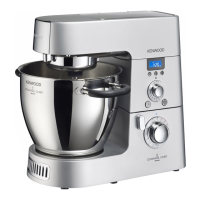
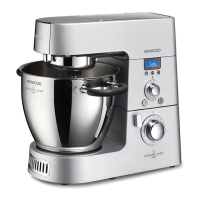
Kenwood kCook CCL40 Food Processor Overview

Kenwood kCook Food Processor Safety

General Safety Precautions

Essential safety rules for operating the appliance and handling components.

Appliance Usage and Handling Safety

Warnings regarding hot surfaces, steam, bowl handling, and component usage.

Child Safety and Electrical Precautions

Safety measures concerning children, cord management, and electrical connections.

Kenwood kCook Setup and Features

Direct Prep and Steamer Attachment Setup

Instructions for attaching and using the Direct Prep and Steamer accessories.

Key Parts Identification

Identification of the main appliance parts and accessories using a numbered key.

Display Panel and Screen Graphics

Explanation of the control panel layout and the meaning of display screen symbols.

Language Selection and First Time Use

Steps for selecting the display language and initial preparation before first use.

Operating Your Kenwood kCook Food Processor

General Cooking Processor Operation

Guide to plugging in, fitting the bowl, selecting modes, and starting the cooking process.

Direct Prep Attachment Usage and Tips

Instructions for assembling, using, and handling the Direct Prep attachment and its discs.

Display Screen Symbols and Manual Mode

Explanation of screen symbols and how to operate the appliance in manual mode.

Manual Mode Settings and Cooking Tips

Details on temperature, time, speed settings and general cooking advice.

Manual Mode Functions and Hints

Explains Cancel, Chop functions and provides cooking hints for the bowl.

Kenwood kCook Pre-set Programmes

Selecting and Adjusting Pre-set Programmes

Guide to choosing and modifying pre-set cooking stages and timings.

Main Meal Programme Recipes and Guidance

Recipes and guidance for various main meal sub-programmes like casseroles and slow cook.

Sauce Programme Recipes and Guidance

Recipes and guidance for making savoury sauces, béchamel, compotes, and purees.

Steam Programme Operation and Hints

Instructions for steaming food and hints for optimal results.

Steaming Guidelines and Quantities

Recommended quantities, preparation, and cooking times for various foods when steaming.

Soup Programme Recipes and Guidance

Recipes and guidance for preparing quick soups, smooth soups, and broths.

Stir Fry Programme Recipes and Guidance

Recipes and guidance for stir-frying and sautéing various ingredients.

Dessert Programme Recipes and Bread Making

Recipes for desserts and guidance on bread making using the appliance.

Kenwood kCook Maintenance and Support

Appliance Care and Cleaning Instructions

Detailed guide on cleaning the power unit, bowl, lid, and attachments.

Service, Customer Care and Disposal

Information on warranty, contacting service centres, and proper product disposal (WEEE).

Troubleshooting Common Appliance Issues

Solutions for common problems like no power, appliance not operating, or food sticking.

Troubleshooting Overheating and Errors

Solutions for motor overheating, overload, and error messages displayed on the unit.

Kenwood CCL40 Specifications

General IconGeneral
Power800W
MaterialPlastic
Speed Settings2
Pulse FunctionYes
Dishwasher Safe PartsYes

Related product manuals