EasyManua.ls Logo

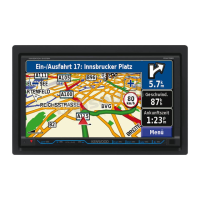
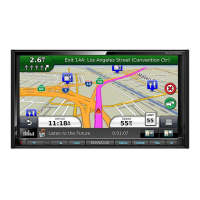
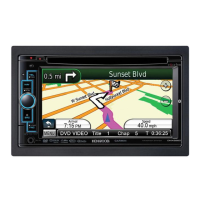
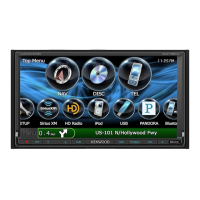
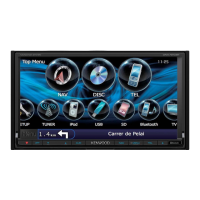
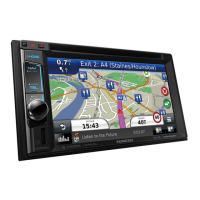
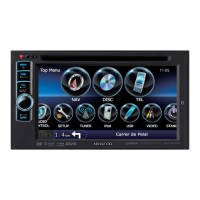
Kenwood DNX572BH - User Manual

Kenwood DNX572BH
211 pages
Print Icon
To Next Page IconTo Next Page
Loading...
B5K-0081-00 (KN/RN)© 2014 JVC KENWOOD Corporation
DNX892
DNX7150BT
DNX772BH
DNX692
DNX572BH
DNX4150BT
GPS NAVIGATION SYSTEM
Quick Start Guide
SISTEMA DE NAVEGACIÓN GPS
Guía de inicio rápido
Take the time to read through this instruction manual.
Familiarity with installation and operation procedures will help you obtain the best
performance from your new GPS Navigation System.
For your records
Record the serial number, found on the back of the unit, in the spaces designated on the warranty card,
and in the space provided below. Refer to the model and serial numbers whenever you call upon your
Kenwood dealer for information or service on the product.
Model DNX892/ DNX7150BT/ DNX772BH/ DNX692/ DNX572BH/ DNX4150BT
Serial number
US Residence Only
Register Online
Register your Kenwood product at www.Kenwoodusa.com
You can update the system by connecting a USB device containing an update le.
For updating the system, visit <http://www.kenwood.com/cs/ce/>.
Puede actualizar el sistema conectando un dispositivo USB que incluya un archivo de
actualización.
Para actualizar el sistema, visite <http://www.kenwood.com/cs/ce/>.


Table of Contents

Other manuals for Kenwood DNX572BH

Questions and Answers

  • J
    Jack HebertAug 5, 2025
    Why is the radio reception poor on my Kenwood Car Navigation system?
    • E
      erica45Aug 5, 2025
      If you're experiencing poor radio reception with your Kenwood Car Navigation system, there are a couple of things to check. First, make sure the car antenna is fully extended. If it is, verify that the antenna control wire is correctly connected.
  • B
    Benjamin WareAug 21, 2025
    What to do if there is no output from the subwoofer on my Kenwood DNX572BH?
    • K
      katie40Aug 22, 2025
      If you're unable to get any output from the subwoofer of your Kenwood Car Navigation system, the most likely cause is that the subwoofer is not turned on. To fix this, ensure that the subwoofer is set to 'on'.

Kenwood DNX572BH Specifications

General IconGeneral
Resolution800 x 480 pixels
GPS NavigationYes
BluetoothYes
Apple CarPlayYes
Android AutoYes
TouchscreenYes
HD RadioYes
SiriusXM ReadyYes
Backup Camera InputYes
Video PlaybackYes
DVD PlaybackYes
CD PlaybackYes
AM/FM TunerYes
Power Output22W x 4
Preamp Outputs3 Pairs (Front, Rear, Subwoofer)
Audio Formats SupportedMP3, WMA, AAC, FLAC
Video Formats SupportedMPEG-1, MPEG-2, MPEG-4, WMV

Related product manuals