Need help?
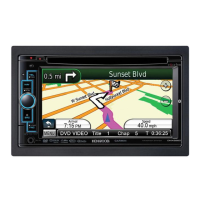
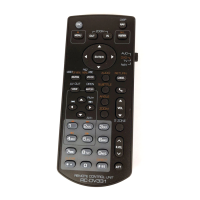
Do you have a question about the Kenwood DNX4210BT-OP and is the answer not in the manual?
Guidance on finding and downloading the latest software for the navigation system.
Instructions to verify the current software version installed on the system.
Step-by-step guide for updating the navigation system's software via USB.
How to check the current map data version to determine if an update is needed.
Procedure for downloading and preparing map data updates for the system.
Guide to activating the Traffic Message Channel (TMC) feature using unit ID and unlock code.
Instructions for downloading and installing speed camera data using POI Loader.
Guide to performing the initial setup and tuning for DAB radio reception.
 General
| Brand | Kenwood |
|---|---|
| Model | DNX4210BT-OP |
| Category | Car Navigation system |
| Language | English |

 To Next Page