25
multi-stage cooking
For multi-stage cooking, please follow the steps below.
For instance: If you want to cook your food with 80% microwave power for 7 minutes and finally grill
it for 5 minutes.
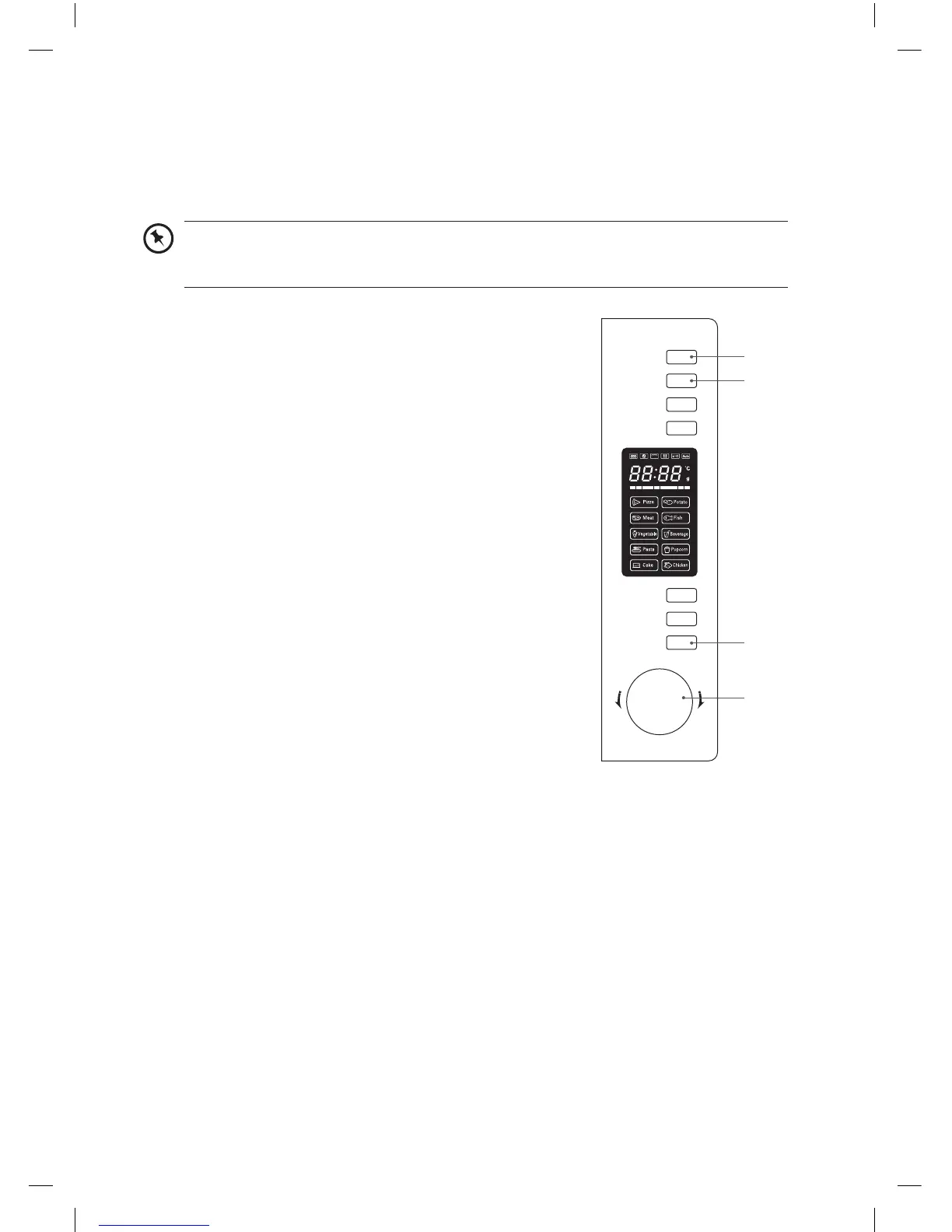
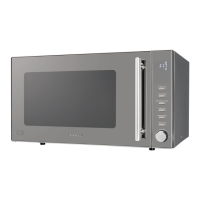
1. Press the Microwave button twice for 80% microwave
power; the LED will display P80.
2. Press the Start/+30Sec./Confirm button to confirm.
3. Turn the Timer/Weight/Auto Menu dial to input cooking time
of 7 minutes.
4. Press the Grill/Combi. button once.
5. Press the Start/+30Sec./Confirm button to confirm.
6. Turn the Timer/Weight/Auto Menu dial to input grilling time
of 5 minutes.
7. Press the Start/+30Sec./Confirm button to start cooking.
You can set a maximum of 2 stages for Multi-Stage Cooking. If defrosting is among one
of the stages, then it will be set as the first stage. Auto-Cooking and Pre-heating are not
available in Multi-Stage Cooking.
Microwave
Grill/Combi.
Convection
W.T./Time
Defrost
Clock/
Kitchen Timer
Stop/Clear
Start/+30Sec.
/Confirm
T
i
m
e
r
•
W
e
i
g
h
t
•
A
u
t
o
M
e
n
u
3, 6
2, 5, 7
4
1
K30CSS13_IB_RC_131126_Zell.indd 25 26/11/13 2:35 PM


 To Next Page