2 English
This unit cannot control the function that isn't
included in the car receiver.
Precautions
# CAUTION
• Put the remote control in a place where it will not
move during braking or other operations.
A dangerous situation could result, if the remote
control falls down and gets wedged under the
pedals while driving.
• Risk of fire or explosion if the battery is replaced by
an incorrect type. Ensure to replace only with the
same type.
• Risk of fire, explosion or the leakage of flammable
liquid or gas if the battery is left in an extremely
high temperature surrounding environment
and/or subjected extremely low air pressure. The
battery pack or batteries shall not be exposed to
excessive heat such as sunshine, fire or the like.
• Risk of fire, explosion or the leakage of flammable
liquid or gas if the battery is disposed into fire
or a hot oven, recharged, shorted, mechanically
crushed or cut of the battery.
• If spilled fluid comes in contact with your eyes or
on clothing, immediately rinse with water and
consult a physician.
Battery installation
If the remote control operates only over shorter
distances or does not operate at all, it is possible
that the batteries are depleted.
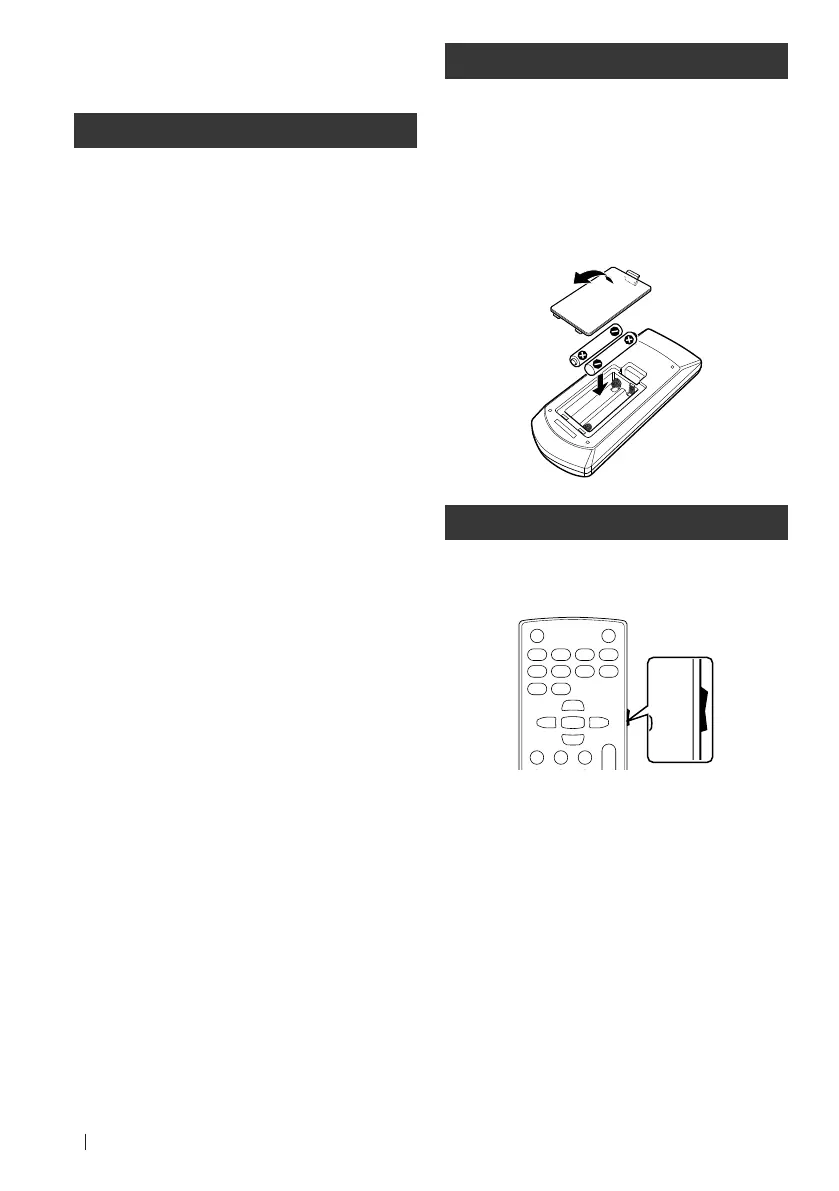
In such instances, replace the both batteries with
new ones.
1
Insert two “AAA”/“R03”-size batteries
with the ¢ and ¤ poles aligned properly,
following the illustration inside the case.
Switch the operation mode
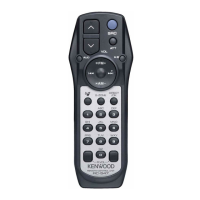
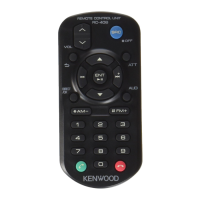
The functions operated from the remote control
differ depending on the position of the mode
switch.
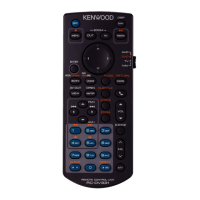
V.SEL
MENU
ENTER
MODE FNC/PBC
DVD
•
T V
•
AUD
•
DISP
1
2
ABC 3DEF
4GHI
7
PQRS
5JKL
8TUV
0
9
WXYZ
6
MNO
AUDIO ANGLE
OPEN
VOL
FM
+
AM
−
ZOOM
RETURN
SRC
38
7
∞
∞
∞
∞
∞
TOP MENU
DVD SETUP
SUBTITLE
DVD
•
T V
•
AUD
•
■ AUD mode
Switch to this mode when controlling a selected
source or tuner source, etc.
■ DVD mode
Switch to this mode when playing DVDs or CDs
etc. with the player integrated in this unit.
■ TV mode
This is switched when controlling TV.
NOTE
• The position of the remote control mode switch is
indicated in the title of each mode, e.g., "(AUD mode)".
• When controlling a player that is not integrated in the
unit, select "AUD" mode.
B5A-4040-00_KCA-RCDV340.indb 2 2021/10/04 19:24


 To Next Page