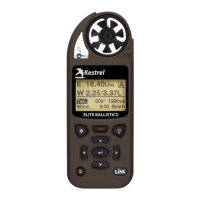
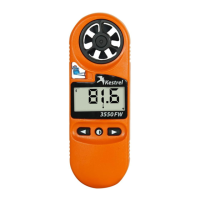
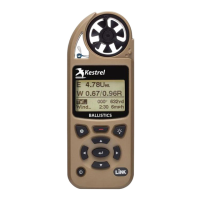
Easy Mode Quick Start Guide
Battery Door Latch
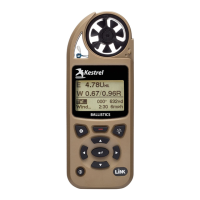
Kestrel 5700
For additional help, support videos and
a full manual visit
www.kestrelballistics/help.com
Or contact us at (610) 447-1555
Insert the included batteries
in your Kestrel and then
attach the lanyard.
Download Kestrel LiNK
Ballistics app to your
mobile device.
Open the app and
connect to your
Kestrel.
Trouble Shooting: Make
sure Bluetooth is turned on
in your mobile device. Make
sure Bluetooth is turned
on in your Kestrel and set
Connect to “PC/Mobile” in
the Bluetooth Sub Menu.
5
Input your gun & bullet
information in the app
then save it as a gun
prole.
Hint: The Bullet Library
contains the needed inputs
for hundreds of common
long range bullets. If you
don’t know one of the
inputs for your gun, tap
the parameter name for
additional guidance
CREATE PROFILE
SAVE PROFILE
SAVE PROFILE
4
Press the button to
update the Latitude
in your Kestrel.
1
2
3
Attach Lanyard
1
2
Note: Don’t confuse with
Kestrel LiNK Weather App.
1
CREATE PROFILE
2
3
Note: On some android devices, use
the button.
2
Ballistics - 2265604
KestrelMeters.com


 To Next Page