Bluetooth® Troubleshooting for the Kestrel® 5000 Series Units
If you are having trouble connecting to a mobile device with your Kestrel via Bluetooth (i.e.,
LiNK), below are a checklist of things to review to hopefully assist with this issue.
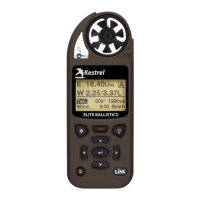
1) Ensure that your device is a Bluetooth (i.e., LiNK) model.
Kestrels can be purchased as either a Bluetooth Model or a non-Bluetooth model. Please
ensure your unit supports Bluetooth connectivity. If you have the Bluetooth model, there
should be a Bluetooth setting on the Kestrel main menu. Otherwise, the outside appearance
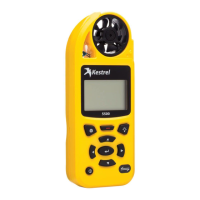
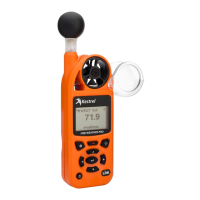
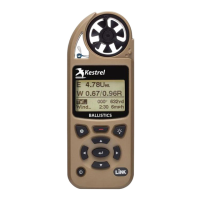
should show LiNK on a sticker on the bottom right.
2) Check to see if Bluetooth Settings are correct.
On the Kestrel, go to the Main Menu by pressing the Settings button (top left button, looks like a
gear). Highlight Bluetooth on the menu using up and down arrows. Make sure it is ON. Press
the center button while Bluetooth is highlighted to enter the sub-menu. Make sure Conct is set
to PC/MOBILE (for non-ballistic units this should be the only option). If it is set for Device, use
the arrow buttons to change it to PC/MOBILE (pics shown below). Device is only used when
pairing with a laser range finder. Also ensure that the mobile device’s Bluetooth is set to on as
well.

 Need help?
 General

 To Next Page