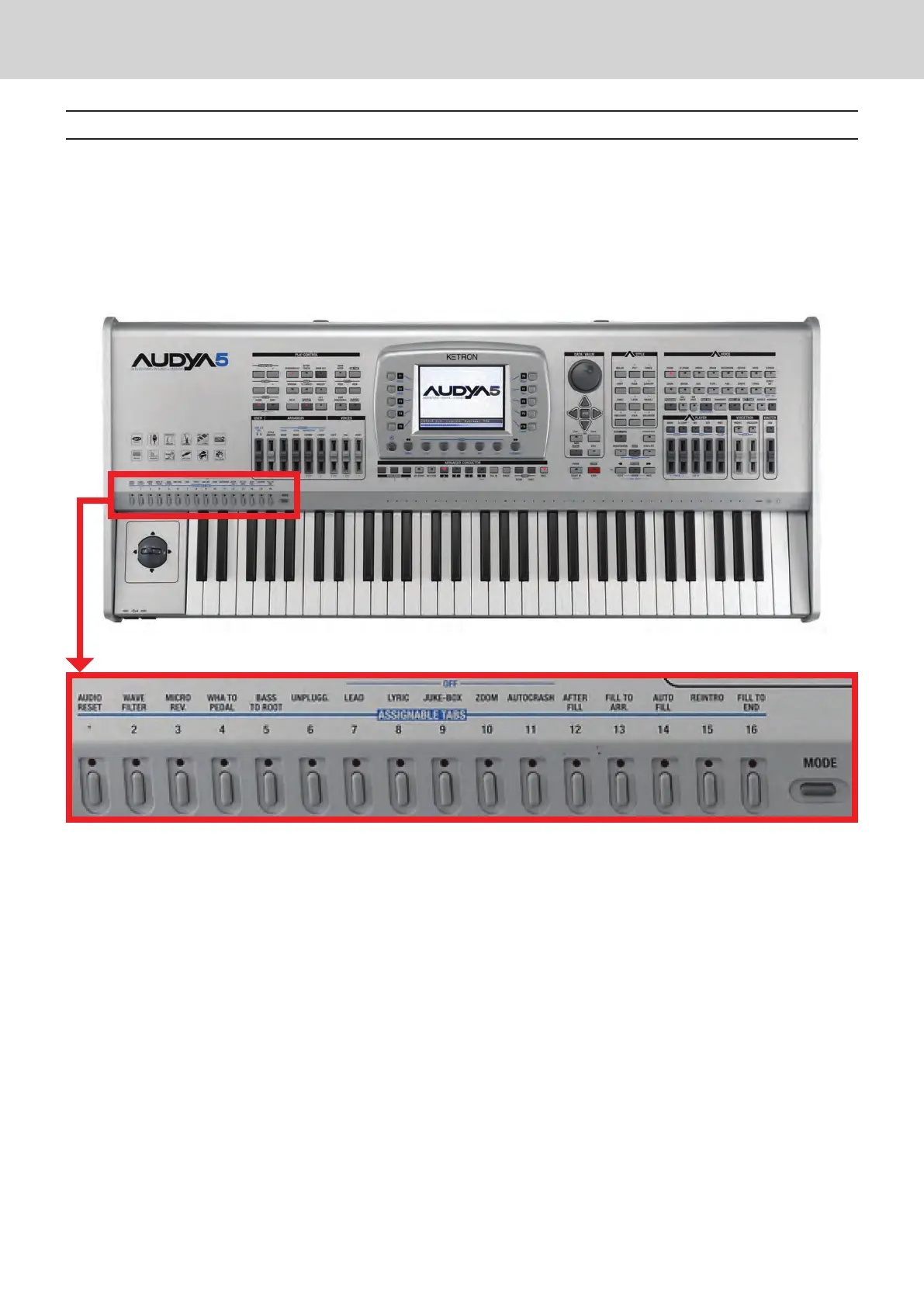
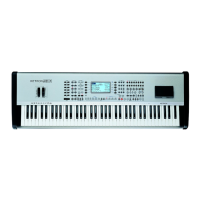
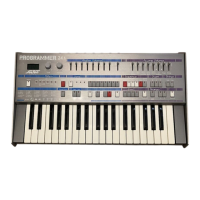
Audya 4 and Audya 5 panel
2 KETRON • AUDYA
Audya 4 and Audya 5 panel
Multi-Tabs are made of a group of 16 buttons on the left side of the keyboard with which you can activate and
control many of the functions provided by the instrument.
In the various operating modes you can control the mute percussion sections, direct access to 16 shares of
General Midi, control the playlist, change the pitch of the tempered scale.
Moreover, the functions can be assigned directly to these keys by the user, who can customize the tool to suit his
needs and his own way of playing.
By default these buons are set as printed on the panel as follows:
Audio reset: Resynchronization of style between MIDI and Audio.1.
Wave filter: It assigns the user filter wave to the slider.2.
Micro rev.: It assigns the reverb into the micro slider user.3.
Wha to pedal4.
Bass to root5.
Unplugg.6.
Lead7.
Lyric8.
Juke-box9.
Zoom10.
Autocrash11.
After fill12.
Fill to arr.13.
Auto fill14.
Reintro15.
Fill to end16.
The new panel on Audya 4 and 5



 To Next Page