SD5
85
●
leave the
MMiiddiiffiilleess
to end normally, the SD5 will load the next one and will play it without touching any keys.
●
without starting
SSoonngg PPllaayy
with the
SSTTAARRTT
button, use the
DDAATTAA CCUURRSSOORR
keys to select the Midifiles of the
chain.
●
with
SSoonngg PPllaayy
running, to pull-up another Midifile, press the
CCOOUUNNTT//PPAAUUSSEE//RREESSTTAARRTT
button, then use the
DDAATTAA CCUURRSSOORR
keys. Once you have identified the Midifile, press the
CCOOUUNNTT//PPAAUUSSEE//RREESSTTAARRTT
button again to
start Song Play again with the new Midifile.
In all cases, if you stop a Midifile while it is playing, using the START button, Song Play will loose the data of the
chain permanently and you will have to load it again. The same applies for all the Juke-Box controls, which are
disabled when you use a chain. The words are still displayed however.
FF88 CChhaaiinn LLiisstt
: This displays all the Midifile chains already stored in the Folder in use.
FF1100 EExxeecc
.: This is enabled only if the chains of Midi files are displayed and is used to create a list of the Midi files that make up
the chain.
SETTING THE PASSWORD FOR PROTECTED FOLDERS
The Folder of the Hard Disk that have been protected with the
FF44 LLoocckk
function in
the
FF88 FFoollddeerr
page of the
DDiisskk
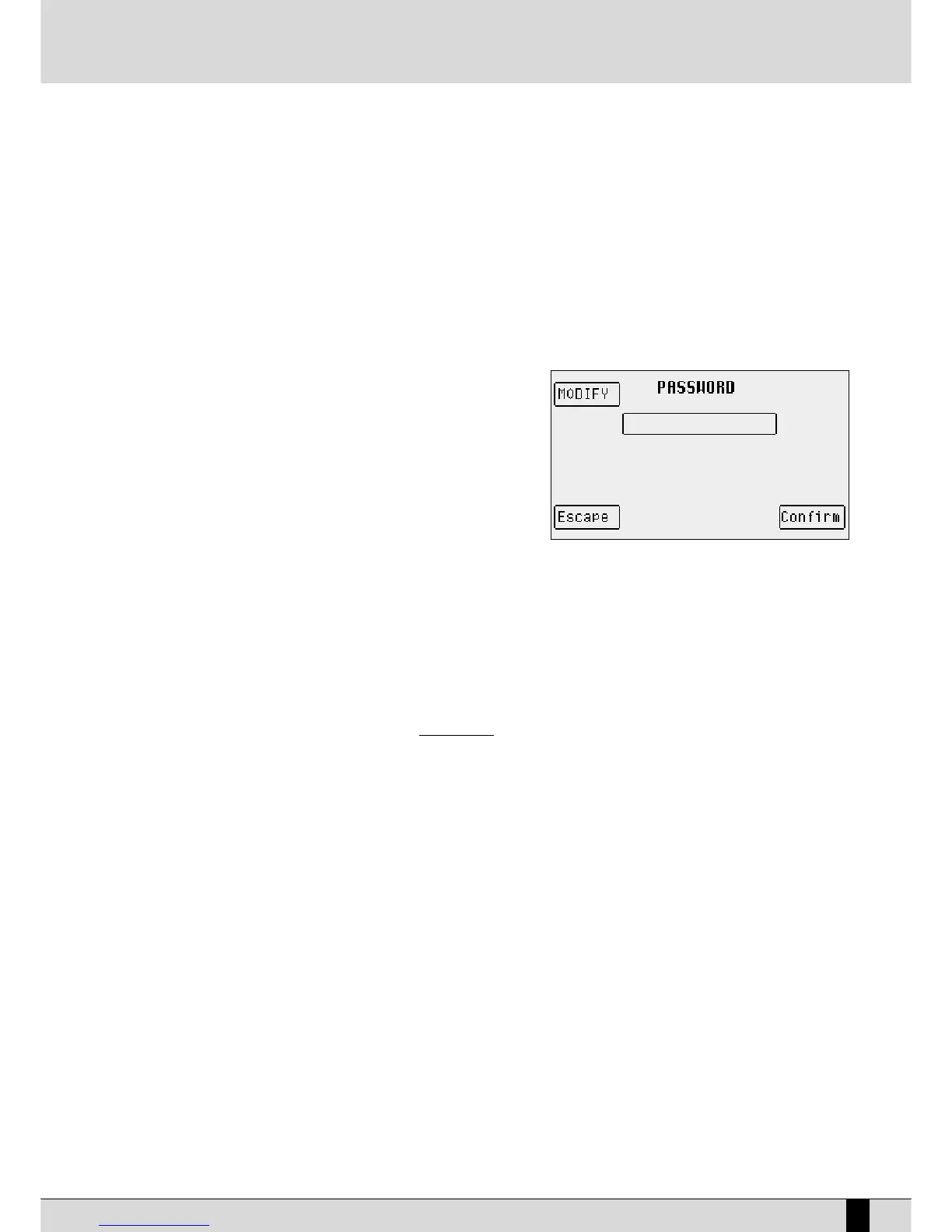
menu can be additionally protected by assigning a
password that will be requested when disabling the lock function. The password is
modified in the following manner:
●
From the main page of the display press
FF33 UUttiilliittyy
.
●
Press the
PPAAGGEE ++//--
push buttons to reach page 2/2.
●
Press
FF44 PPaasssswwoorrdd
to access the dedicated menu.
F1 Modify: This is used to modify the password. When you purchase the
instrument there is no initial password therefore changing/crea-
ting one will be it's first. The modification command requests the
entry of the old password, using the keyboard keys and the
CCUURRSSOORR ++//--
push buttons and an initial confirmation command using
F10 Confirm. The new name can then be entered and confirmed using
FF1100 CCoonnffiirrmm
.
FF55 EEssccaappee
is used to return to the main page
of the menu.
MANAGING THE CONTENTS OF THE HD USING AN EXTERNAL COMPUTER
Thanks to the computer serial port at the back of the unit, the files and folders of the hard disk are easy to organise and manage on a PC or
Mac. You can copy all files from/to your SD5 to/from the HD of your computer. Instructions on how to connect and how to use the KetronFT
software are included in the file to be downloaded from the www.ketron.it internet pages.
DISK



 To Next Page