Chapter 4 Maintenance and Technical Manual
Interceptor Biological Safety Cabinet Class II A2
October 2019
4.8
Monitor Screen Displays
The Kewaunee Interceptor
®
Biological Safety Cabinet employs a sophisticated
control system using a built in tough screen Control Monitor to display menus
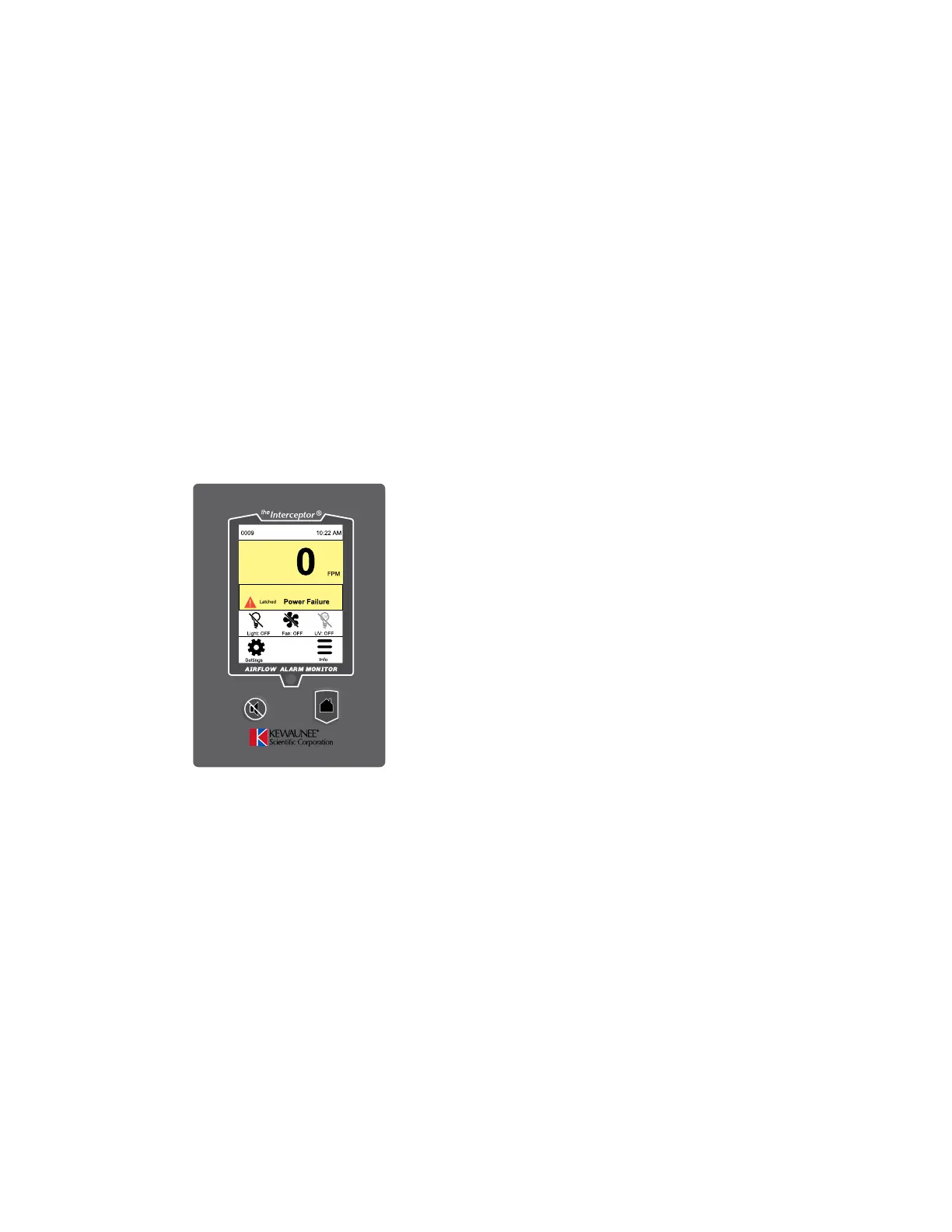
and options. The following pages illustrate the different states of the monitor with
illustrations of the various screens and schematics of each of the menus. The
schematic charts show all options for each menu item as well as the factory setting.
Startup
Home/Face Velocity Screen
displays when cabinet is plugged in
Press Power Failure banner to clear
Press Settings for Configuration
Figure 4.13


 To Next Page