Maintenance and Technical Manual Chapter 4
Interceptor Biological Safety Cabinet Class II A2
October 2019
4.9
Monitor Screen Displays
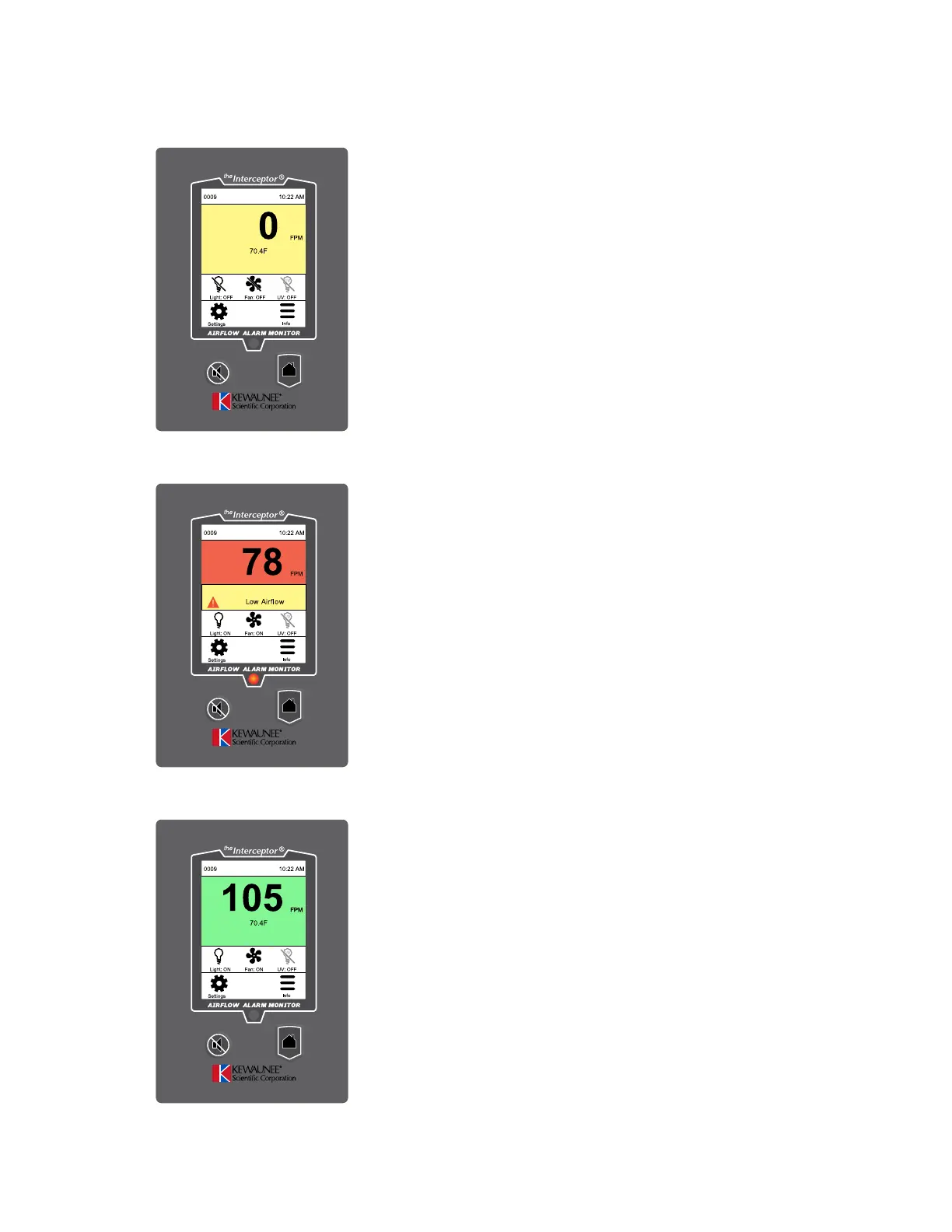
Home/Face Velocity Screen
Fan OFF
displays when Fan is Off
Press Fan Switch to Start
Figure 4.14
Home/Face Velocity Screen
Fan Warmup
displays when Fan is On
during warmup period
Figure 4.15
Home/Face Velocity Screen
Fan On
displays when Fan is On
after warmup period
Press Light button to turn on light
Figure 4.16


 To Next Page