Chapter 4 Maintenance and Technical Manual
Interceptor Biological Safety Cabinet Class II A2
October 2019
4.10
Monitor Screen Displays
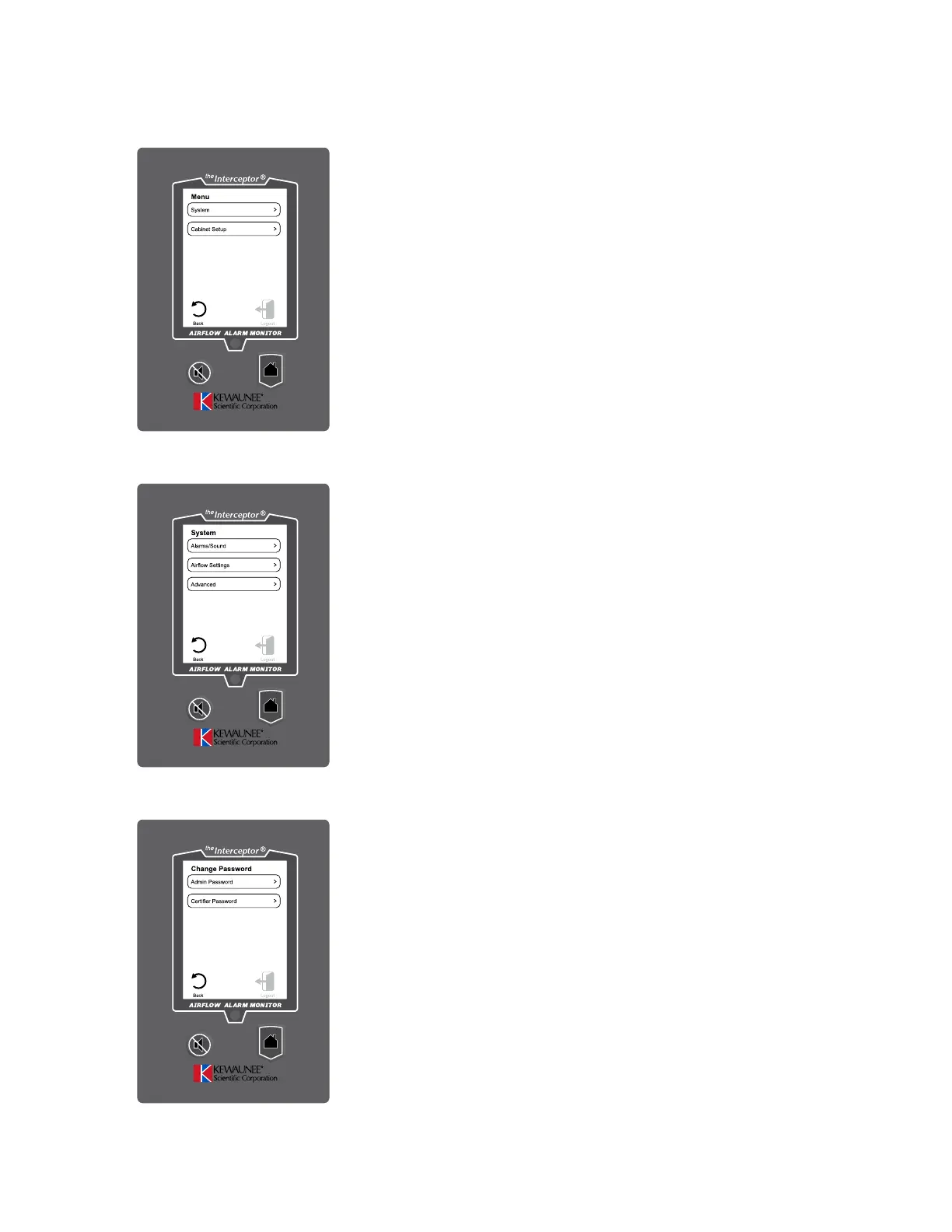
Settings Menu
Used for User Settings and Cabinet Setup and
Calibration
Press System for User Settings
Press Cabinet Setup for Cabinet Setup and Calibration
Figure 4.17
System Menu
Use to set User Settings
Press Alarms/Sound to adjust alarm and volume
settings
Press Airflow Settings to adjust Sensor sensitivity and
Airflow Resolution
Press Advanced to Configure Asset Tag and Change
Passwords
Figure 4.18
Change Password Menu
Use to change Passwords
Press Admin Password to change
Press Certifier Password to change
Figure 4.19


 To Next Page