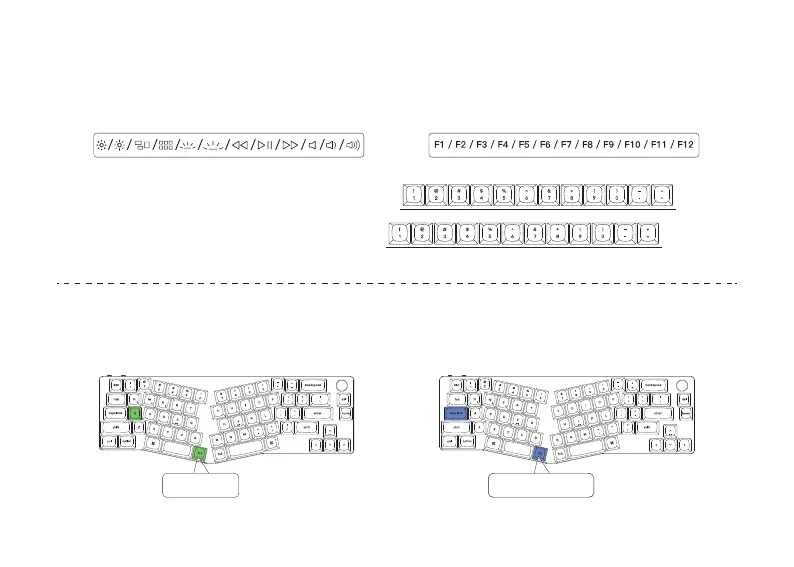
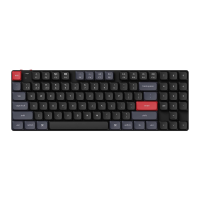
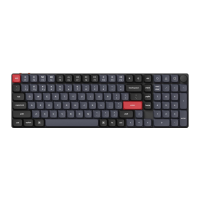
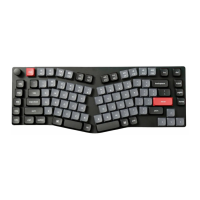
Multimedia Key and Function Key
5
6
6
The Backlight
Press fn1 + A to change the lighting effect Press fn1 + caps lock to turn the backlight on/off
Mulmedia keys Funcon keys
In order to get Mulmedia Key, you need to press fn1 and Key.
In order to get Funcon Key, you need to press fn2 and Key.
fn1 + A fn1 + caps lock


 To Next Page