EasyManua.ls Logo

Keychron K12 - F1 - F12 Function Keys; Disable Auto Sleep Mode

Keychron K12
87 pages
Print Icon
To Next Page IconTo Next Page
To Previous Page IconTo Previous Page
Loading...
7
F1 F12
Function Keys
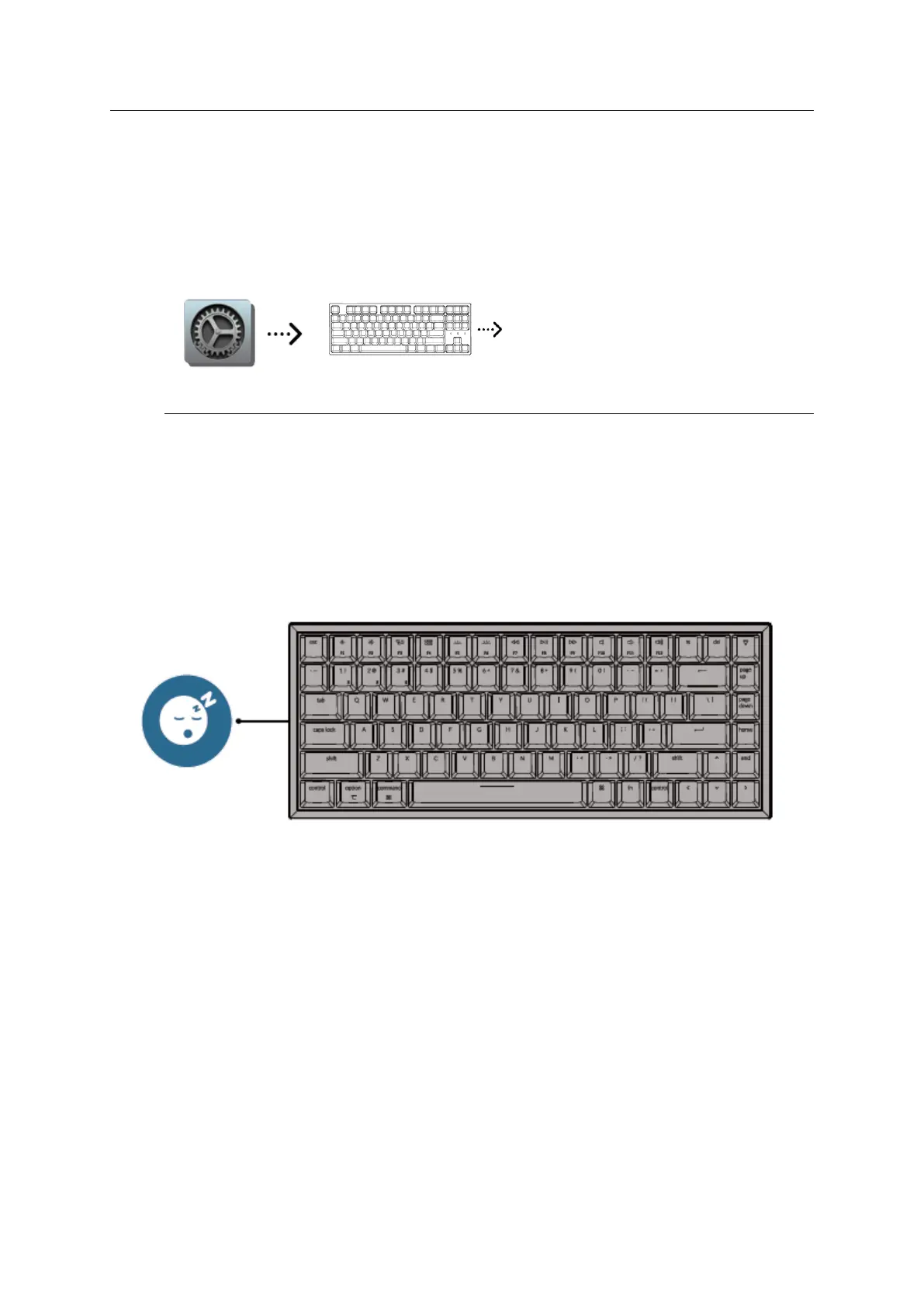
For mac: Go system settings > Keyboard > and enable the function keys.
*For F5 and F6 as function keys press fn + K + C (for 3 seconds) and use the same
shortcut to switch.
Use F1, F2 keys as standard
function keys
When this option is selected, press
the Fn key to use the special
features printed on each key.
Settings
Enable function keys
Disable Auto Sleep Mode
The keyboard goes to Auto Sleep Mode in 10 minutes of sitting idle to save battery
Press fn + S + O (for 4 seconds) to disable the Auto Sleep Mode. (If you want to go back
to the Auto Sleep mode, press fn + S + O for 4 seconds again)

Other manuals for Keychron K12

Related product manuals