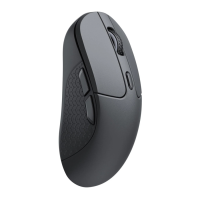
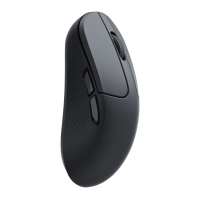
Report Rate indicator
•Report Rate Polling Rate
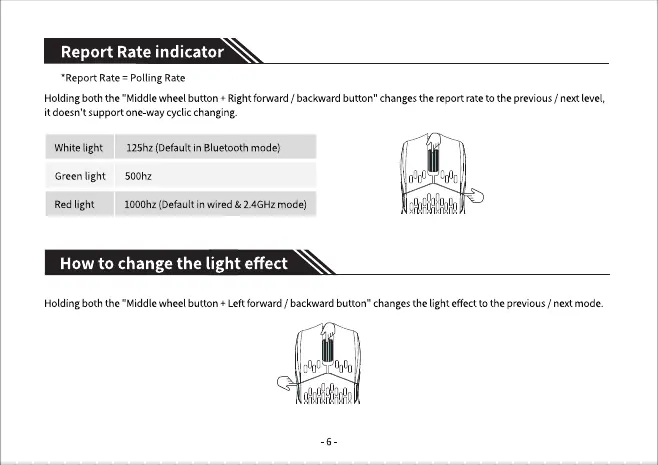
Holding both the "Middle wheel button + Right forward / backward button" changes the report rate to the previous / next level,
it doesn 't support one-way cyclic changing.
Whitelight
Green light
Red light
125hz (Default in Bluetooth mode)
500hz
1000hz (Default in wired & 2.4GHz mode)
How to change the light effect
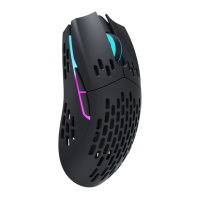
Holdingboth the "Middlewheel button + Leftforward / backwardbutton" changesthe lighteffectto the previous/ nextmode.


 To Next Page