How to factory reset
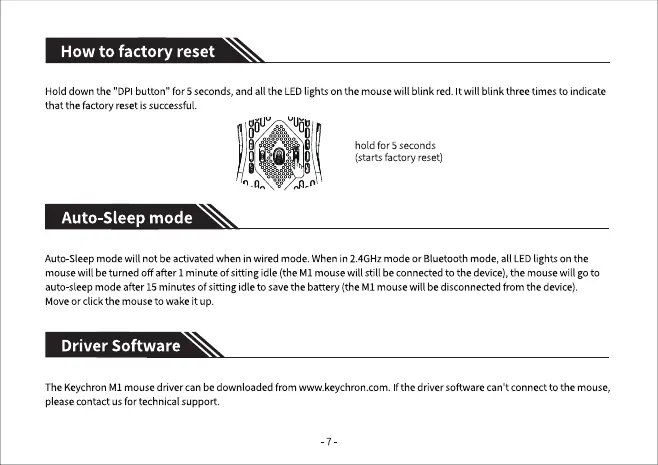
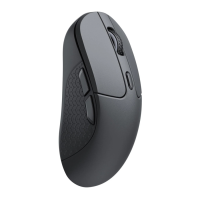
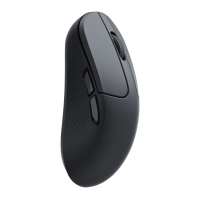
Hold down the 'DPI button" for 5 seconds, and all the LED lights on the mouse will blink red. It will blink three times to indicate
that the factory reset is successful.
Auto-Sleep mode
o
hold for 5 seconds
(starts factory reset)
Auto Sleep mode will not be activated when in wired mode. When in 2.4GHz mode or Bluetooth mode, all LED lights on the
mouse will be turned off after 1minute of sitting idle (the MI mouse will still be connected to the device), the mouse will go to
auto-sleep mode after 15 minutes of sitting idle to save the battery (the MI mouse will be disconnected from the device).
Move or click the mouse to wake it up.
Driver Software
TheKeychronMI mousedriver canbe downloadedfrom www.keychron.com.Ifthe driversoftwarecan't connectto the mouse,
pleasecontact usfor technicalsupport.


 To Next Page