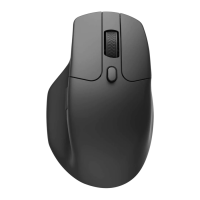
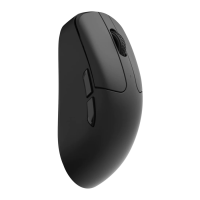
Bluetooth mode
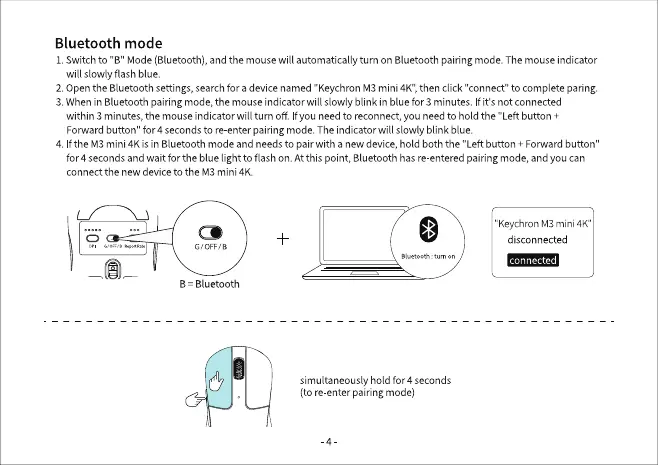
1. Switch to "B" Mode (Bluetooth), and the mouse will automatically turn on Bluetooth pairing mode. The mouse indicator
will slowly flash blue.
2.Openthe Bluetoothsettings,searchfora devicenamed "KeychronM3mini 4K",thenclick"connect"to complete paring.
3. When in Bluetooth pairing mode, the mouse indicator will slowly blink in blue for 3 minutes. If it's not connected
within 3 minutes, the mouse indicator will turn off. Ifyou need to reconnect, you need to hold the "Left button +
Forwardbutton" for 4 secondstore enterpairing mode.The indicatorwill slowly blink blue.
4. Ifthe M3 mini 4K is in Bluetooth mode and needs to pair with a new device, hold both the "Left button + Forward button"
for 4 seconds and wait for the blue light to flash on. At this point, Bluetooth has re entered pairing mode, and you can
connect the new device to the M3 mini 4K.
G/0FF,/a
B Bluetooth
"KeychronM3mini 4K"
disconnected
connected
tum on
simultaneously hold for 4 seconds
(tore enter pairingmode)


 To Next Page