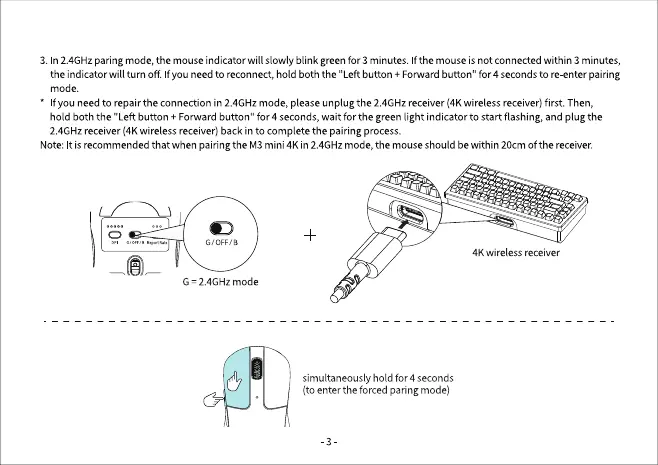
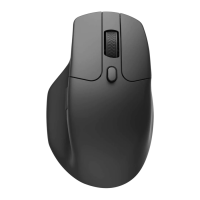
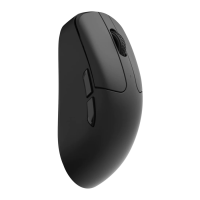
3. In 2.4GHzparing mode,the mouseindicatorwill slowly blink greenfor 3 minutes. Ifthe mouseis not connectedwithin 3 minutes,
the indicatorwill turn off If you needto reconnect,hold both the "Left button + Forwardbutton" for 4 secondsto re-enterpairing
mode.
f you needto repairthe connection in 2.4GHzmode, pleaseunplug the 2.4GHzreceiver(4Kwirelessreceiver)first. Then,
hold both the "Left button + Forward button" for 4 seconds, wait for the green light indicator to start flashing, and plug the
2.4GHzreceiver(4Kwirelessreceiver)backinto completethe pairing process.
Note:Itisrecommendedthat whenpairingthe M3mini4K in 2.4GHzmode,the mouseshould bewithin 20cmOfthe receiver.
G 2.4GHz mode
4K wireless receiver
simultaneously hold for 4 seconds
(to entertheforcedparingmode)
-3


 To Next Page