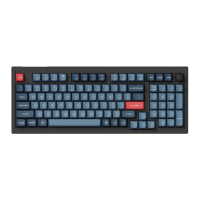
13
Key Description
Screen Brightness Decrease
Screen Brightness Increase
Layer 1 will be activated when holding this
key
Layer 2 will be activated when holding this
key
Layer 3 will be activated when holding this
key
Layer 4 will be activated when holding this
key
Third party input tools are not compatible with the keyboard
Due to compatibility, versions, brands and drivers of Windows/mac OS, functionalities of
third-Party input tools may be affected while using the keyboard. Please make sure your
operating system and drivers are up to date.
Certain multimedia keys or function keys do not work
Functions of certain multimedia keys may be disabled due to compability, versions,
brands, and drivers of device.
Multimedia keys:
Functions keys:


 To Next Page