Zhejiang Chaoji Electric Tech.Co.,Ltd
浙江超级电气科技有限公司
Zhejiang Chaoji Electric Technology Co.,Ltd
7. Functional Description
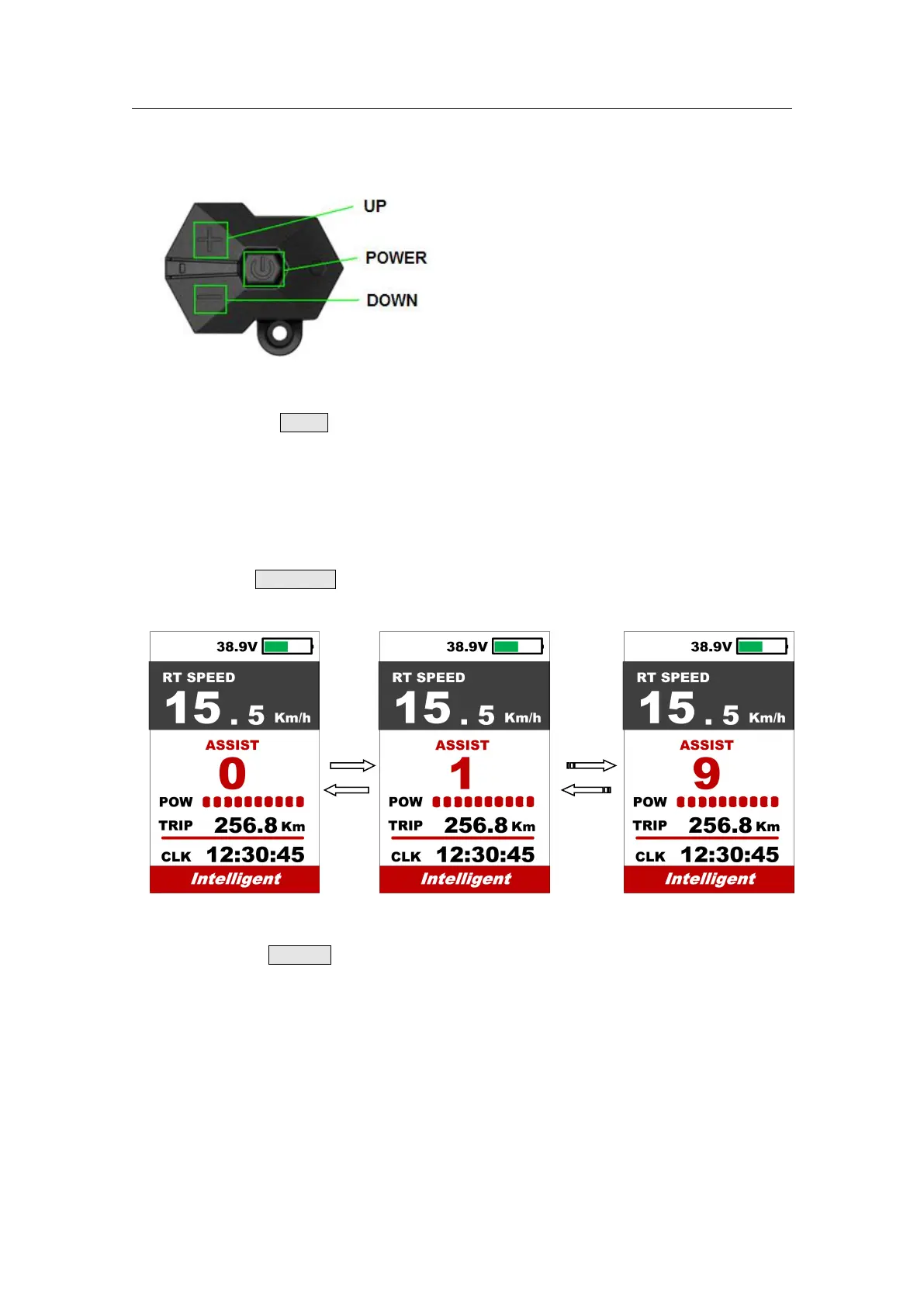
Press and hold Power button for 1 second can turn on/off the display. The Display can
automatically shut down when there is no operate & ride for X minutes ( X could be
0~9).
*If the display has been set password power on, you need to input the right password before start.
7.2 Assist level operating
Short press UP/DOWN button can change the assist level. Top assist level is 5, 0 for
neutral. Level quantities can be adjusted according to the customer requirements.
7.3 Speed & Mileage mode switch
Short press POWER button can change the speed and mileage mode, AVG
Speed->MAX Speed->RT Speed-> Trip->ODO-> Time.



 To Next Page