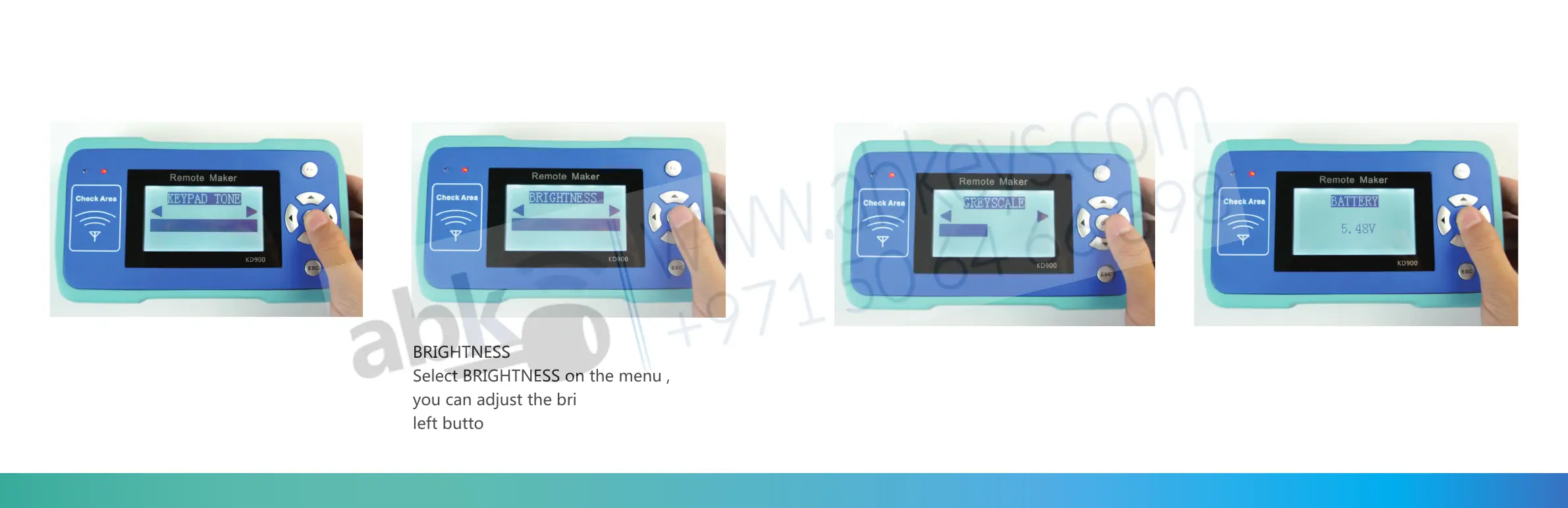
KEYPAD TONE
Select KEYPAD TONE on the menu,
press OK, you can adjust the tone
by right and left button.
BRIGHTNESS
Select BRIGHTNESS on the menu ,press OK,
you can adjust the brightness by right and
left button.
GREYSCALE
Select GREYSCALE on the menu ,press OK,
you can adjust the brightness by right and
left button.
BATTERY :
choose BATTERY and press OK ,
then you can check the power volt
68 69



 To Next Page