98 99
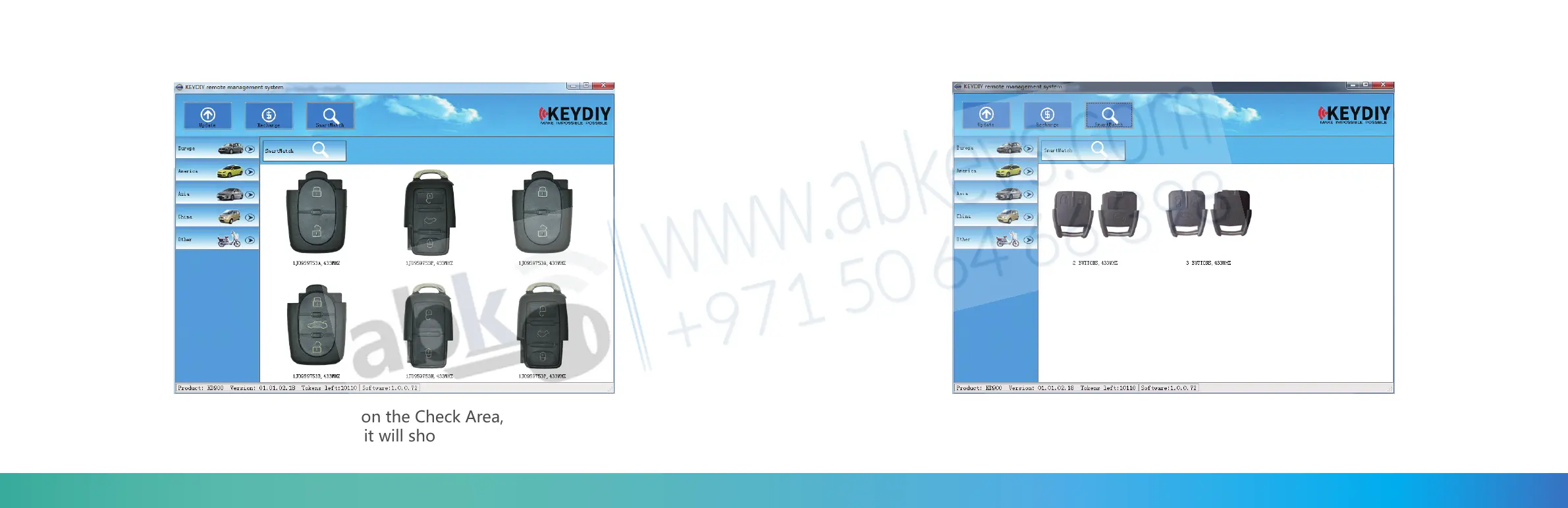
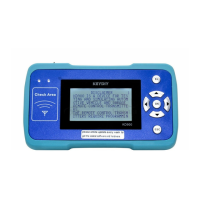
Put the remote you want to make on the Check Area, and press any button.
The software site will be switched, it will show you the remotes that may work
for the one you want.
Thus you can easily find the remote you want.If not sure which one is the remote you want,
try the remotes which the SmartMatch function find for you until you get the right one you
want.( Some times it may show you several remotes, sometimes maybe only 1 or 2 remotes.)
Choose the remote you want then simulate it to test.
If you are sure it’s the remote you want, you can create it directly.


 To Next Page