KL/RX2
Master Control Panel
• Switch on Remote Control.
• Press the RC button in panel (Fig A)
Red LED will light (Fig B)
• Press any button on the hand held remote control.
Red LED in panel will flash (Fig B)
• Remote Control has been programmed.
• To delete all of the programming, press and hold the black RC button (Fig A) until
LED in panel stops flashing.
Leave for 10 seconds before re-programming.
KL/RX2-2012G
THE INSTALLATION OF THIS SYSTEM MUST BE CARRIED OUT BY A QUALIFIED ELECTRICIAN
THE GUARANTEE WILL BE VOIDED IF THIS IS NOT FOLLOWED
REMOTE CONTROL PROGRAMMING
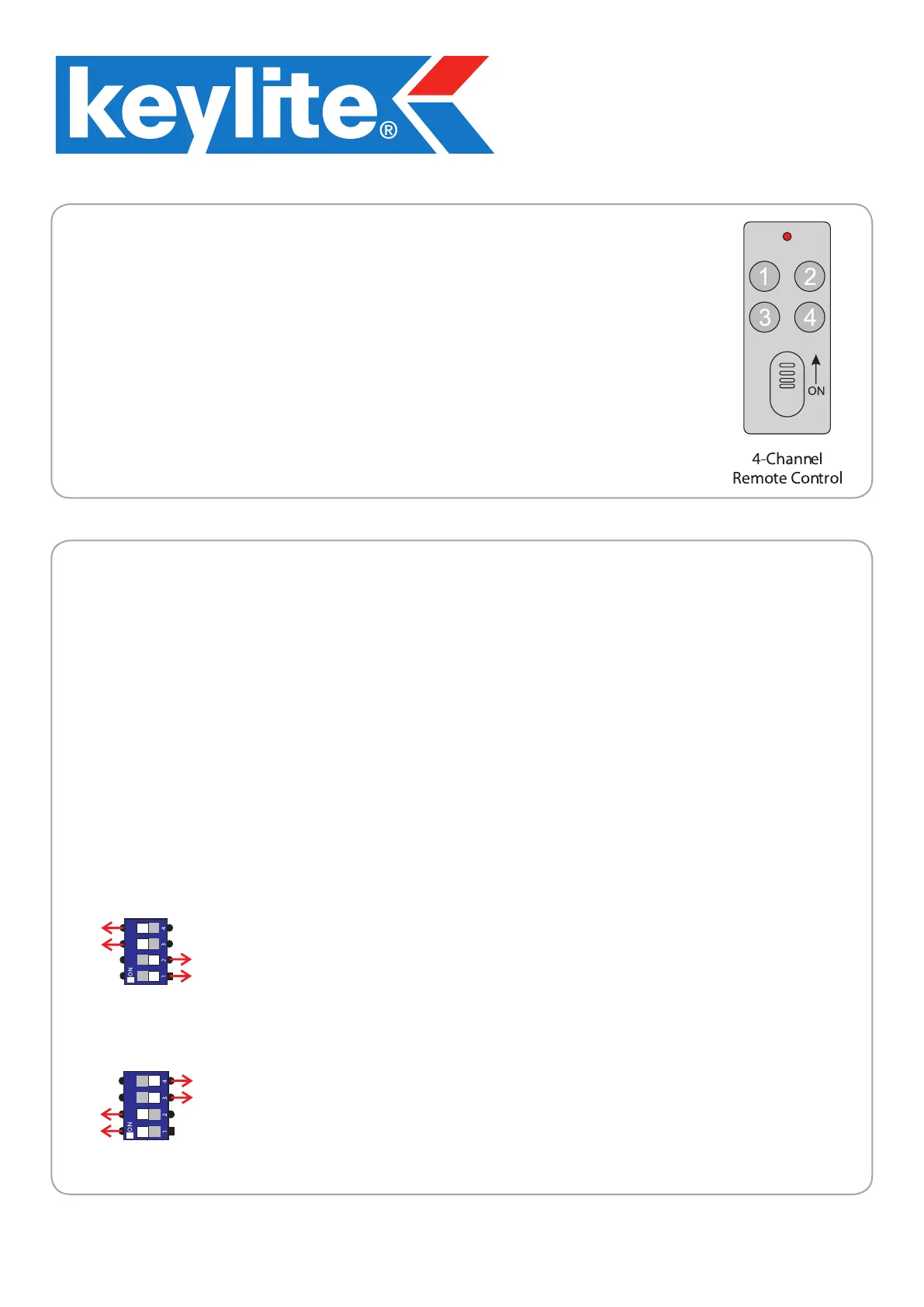
Button 1 on the remote control will OPEN the window(s). This will operate W+ and W- on OUTPUTS 1 & 2
simultaneously and can be stopped at any point by pressing button 1.
Button 3 on the remote control will CLOSE the window(s). This will operate W+ and W- on OUTPUTS 1 & 2
simultaneously.
Button 2 on the remote control will OPEN the blind(s). This will operate B+ and B- on OUTPUTS 1 & 2
simultaneously and can be stopped at any point by pressing button 2.
Button 4 on the remote control will CLOSE the blind(s). This will operate B+ and B- on OUTPUTS 1 & 2
simultaneously.
REMOTE CONTROL OPERATION:
The KL/RX2 control panel can be used for a range of different operations, from operating 1
electric window and/or electric blind to 2 windows + 2 blinds.
DIP SWITCHES FOR WINDOW & BLIND MOTORS
DIP SWITCHES FOR WINDOW MOTORS ONLY
DIP SWITCHES 3 & 4 IN
THE ON POSITION AND
1 & 2 IN THE OFF POSITION
DIP SWITCHES 1 & 2 IN
THE ON POSITION AND
3 & 4 IN THE OFF POSITION
This will make outputs B+ and B- operate from buttons 2 & 4
and the rain sensor will NOT close the blinds upon detection
of rain
This will make outputs B+ and B- operate from buttons 1 & 3
and the rain sensor will close the blinds upon detection of rain



 To Next Page