Manual ACK-3410
3.2. Keys with double functions
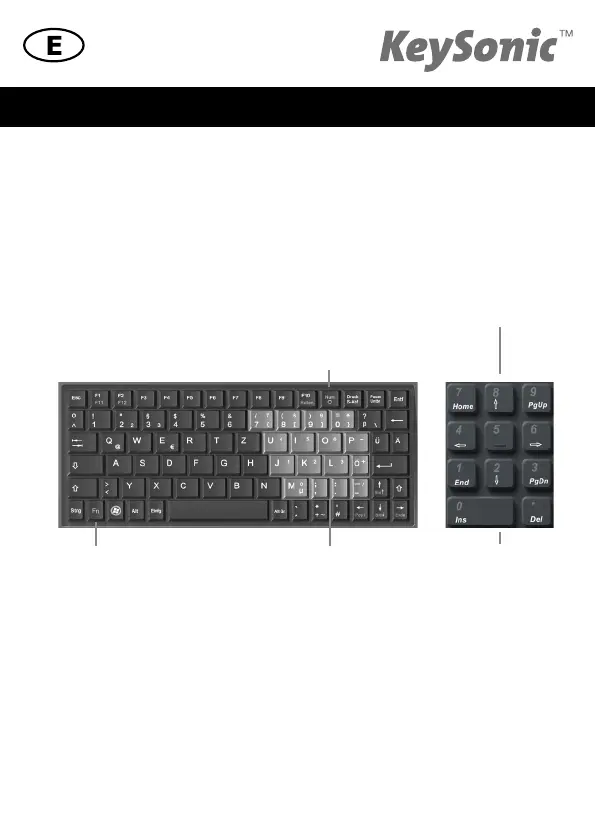
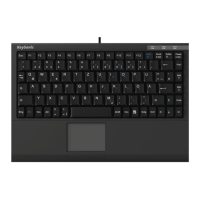
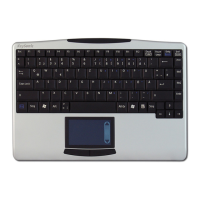
• The layout of the keyboard is a special space-saving layout with the same virtual numeric
keypad also used in notebooks. Press the NumLock key in the top key row in order to switch
the virtual numeric keypad function on and off.
(Characters in the highlighted are are assigned to the keys)
• With activated NumLock function you can hold pressed the key Fn in the left down corner for
temporary deactivation of the virtual numeric keypad. This is particularly convenient to enter
letters quickly apart from numbers.
• Without previously activating the NumLock key, the holding down of the Fn key will control the
integrated position keys in the same way as an external keypad (refer to the white symbols)
4. How to clean the keyboard
• Remove dust with a brush, with soft compressed air, or with a vacuum cleaner with brush head
nozzle.
• Remove fine dirt with a not-too-damp cloth.
• DO NOT use any aggressive detergents, solvents, or gasoline in order to clean the keyboard.
Manufacturer‘s Disclaimer
Fn key
NumLock key
Virtual numeric keypad + alternative functions




 To Next Page