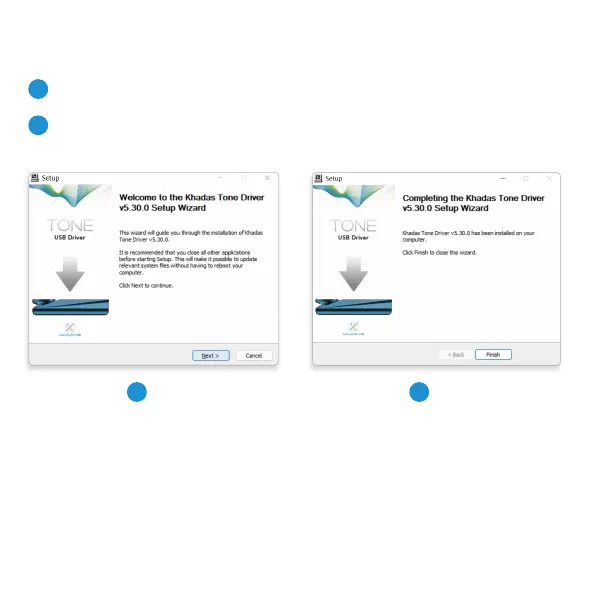
Driver Installation
1
2
Step 2
2
Install the Khadas ASIO USB driver
Download the latest driver from dl.khadas.com/products/tone2/driver
Resta your Windows PC
The Khadas ASIO USB driver will activate after your PC restas.
* Windows’ default USB audio driver has high latency, low sampling rates, and does not suppo ASIO.
For a better user experience, please install the Khadas ASIO USB driver.
1
Step 1



 To Next Page