Page 4 of 5
TSB: GEN 069 Optima (QF/TF) June 2014
UVO eServices (AVN 4.0 ) – TECHNOLOGY HIGHLIGHTS
Say: [the name of your search item]. A list
of relevant locations will appear on screen.
Select your preferred location.
2. Using Voice Recognition (VR)
Downloading Apps (Kia Download Center)
1. Connect to a WiFi network
2. Press the INFO button
3. Select Apps icon from the touchscreen
menu
4. Select the Download Center icon
5. Select the Apps List tab: a list of
available apps will display
6. Select an app to download. Note: Free
apps have a Download button; paid
apps have a Purchase button.
7. The example below shows the Yelp
®
app being downloaded.
8. Select the Yelp app from the list.
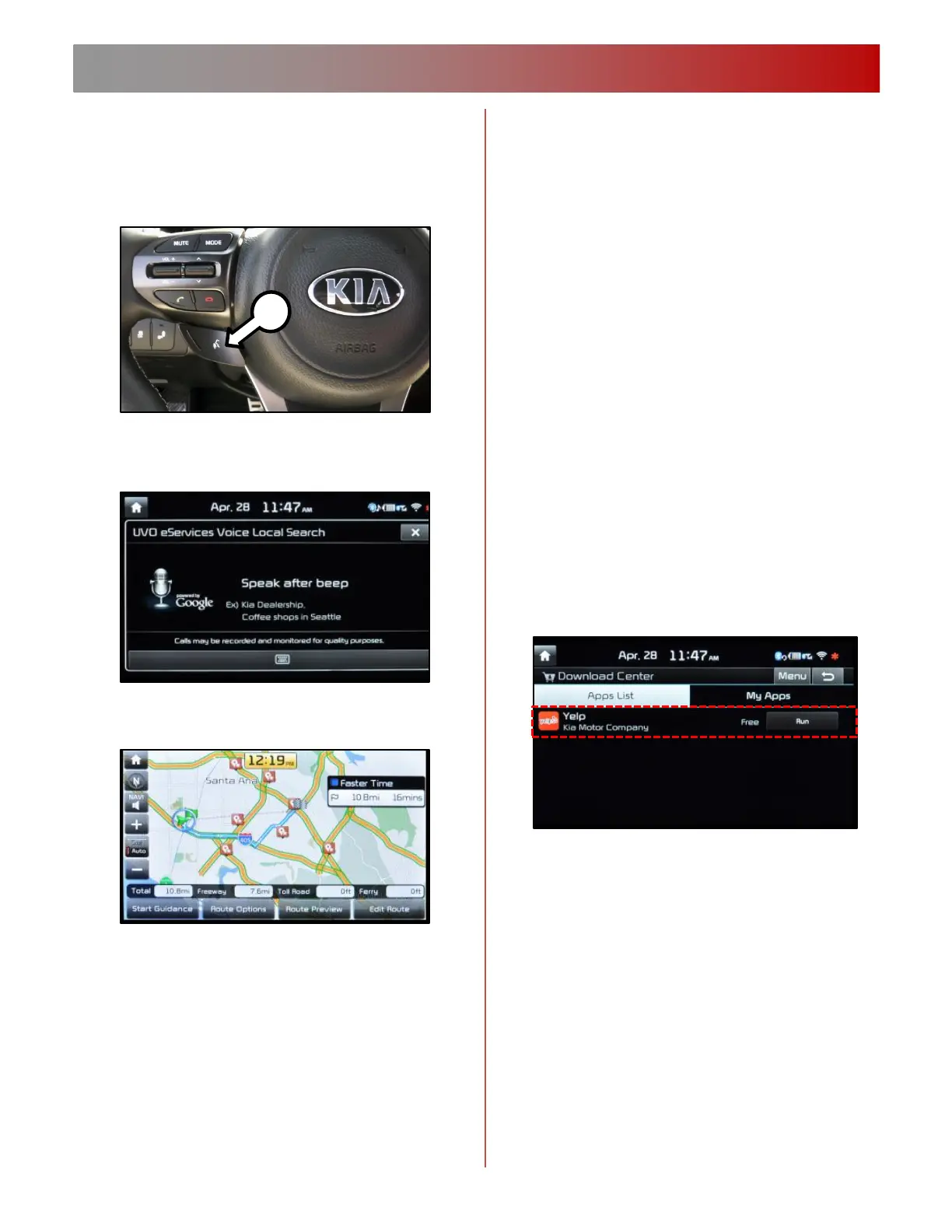
Quick press of the Talk button (A)
Prepare to speak. After the beep
prompt say: “Local Search”



 To Next Page