4175
Features of your vehicle
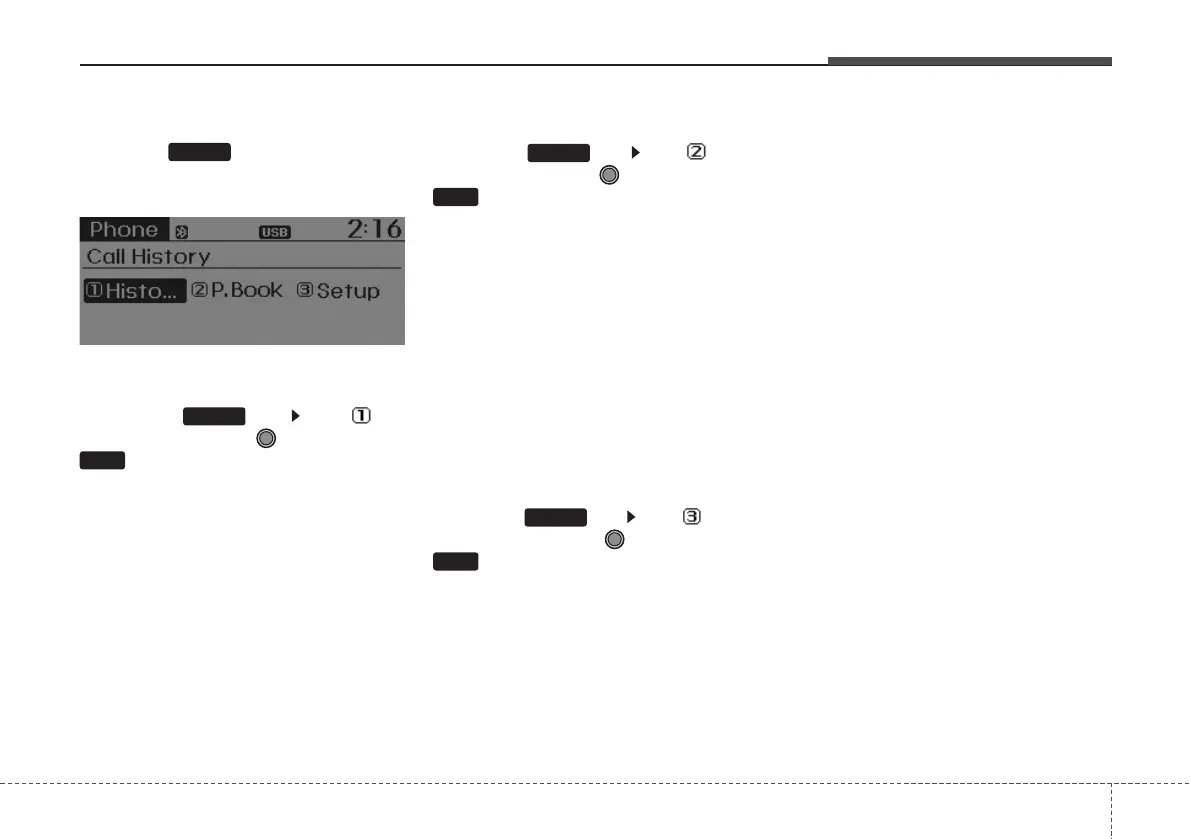
Phone MENU
Press the key to display three
menus (Call History, Phone book, Phone
Setup).
Call history
Press the key Set [ Call
History] through the TUNE knob or
key.
The call history is displayed and can be
used to select a number and make a call.
If call history does not exist, a screen
asking whether to download call history
is displayed. (The download feature may
not be supported in some mobile
phones)
Contacts
Press the key Set [
Phone
book
] through the TUNE knob or
key.
The Contacts are displayed and can be
used to select a number and make a call.
❈ If more than one number is saved to
one contact, then a screen showing
the mobile phone number, house and
office number is displayed. Select the
desired number to make the call.
❈ If Contacts do not exist, a screen ask-
ing whether to download Contacts is
displayed. (The download feature may
not be supported in some mobile
phones)
Phone Setup
Press the key Set [ Phone
Setup] through the TUNE knob or
key.
The Bluetooth
®
mobile phone setup
screen is displayed. For more informa-
tion, refer to “Phone Setup”.
3
PHONE
2
PHONE
1
PHONE
PHONE



 To Next Page