EasyManua.ls Logo

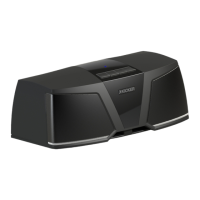
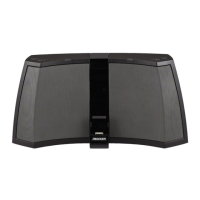
Kicker Bullfrog BF200 - User Manual

Kicker Bullfrog BF200
15 pages
Print Icon
To Next Page IconTo Next Page
Loading...
User Manual for
KICKER Bullfrog Series Audio Systems
Manual del Propietario para los
Sistemas de Audio de la Serie KICKER Bullfrog
Manuel d’utilisation
des systèmes audio KICKER Bullfrog
BF200
Owner’s Manual
Manual del Propietario
Manuel d’utilisation
Question and Answer IconNeed help?

Do you have a question about the Kicker Bullfrog BF200 and is the answer not in the manual?

Summary

Introduction

Status Indicators

Battery Status

Indicates battery level via 5 white LEDs on top of the Bullfrog.

Input Status

Shows audio input source via colored LEDs near the SOURCE/PAIRING button.

Connections

Hardware Reset

Resets the speaker to recover from unexpected issues using a paperclip.

Connectivity Ports and Antenna

Details Line In, USB, DC power ports, and external FM antenna connection.

Controls

Control Functions Overview

Explains button functions based on press type and input mode.

Bluetooth Operation

Double-Kick Mode

Enables dual-speaker operation and mirroring of audio settings.

Double-Kick Status

Power Management Features

Reset Procedures

FM Radio Operation

AUX Input Connection

Troubleshooting Guide

Technical Specifications

Safety Warnings

Warranty Information

Kicker Bullfrog BF200 Specifications

General IconGeneral
BrandKicker
ModelBullfrog BF200
CategoryStereo System
LanguageEnglish

Related product manuals