5
Controls
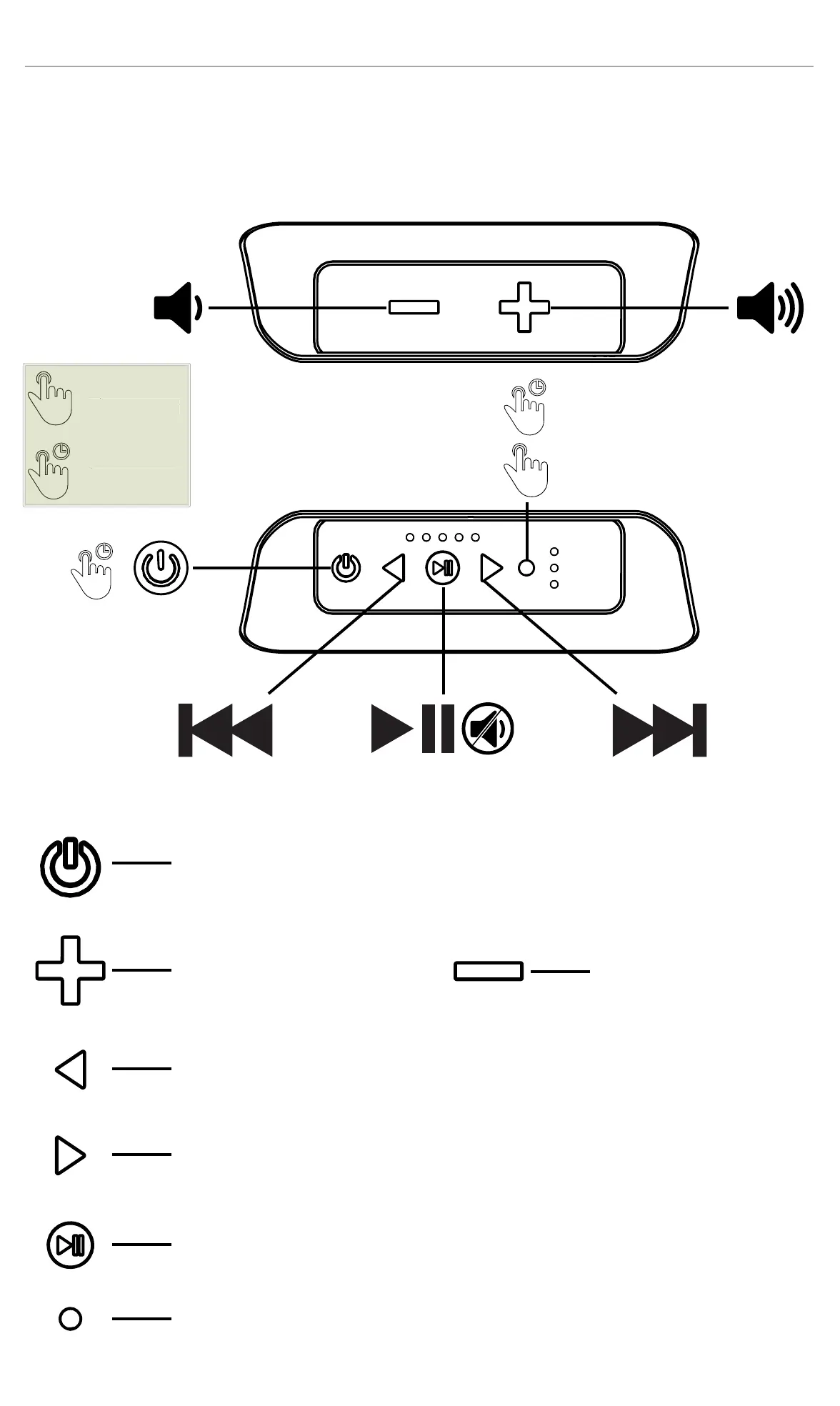
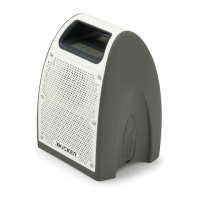
The KICKER Bullfrog controls and buttons will have different functions depending on the input
mode, and whether a short or long press is used. Some buttons are inactive in certain modes,
such as FWD/BACK while in AUX mode.
1S
1S
Controls at a glance
short press
long press
Short Press - Show Battery Status (while on)
Long Press - Power On/Off
Increase Volume
Decrease Volume
Short Press - Previous Track or Previous Radio Preset
Long Press - Rewind or Seek Backwards to available FM station
Short Press - Next Track or Next Radio Preset
Long Press - Fast Forward or Seek Forward to available FM station
Short Press - Play/Pause or Mute
Very Long Press (10s) - Software Reset (FM Presets are retained)
Short Press - Change Input Source
Long Press - Enter Bluetooth Pairing Mode
Change Input Source
Enter Pairing Mode
Off/On
1S
1
hort
res
lon
pres


 To Next Page