5-6 Parallel and Series Operation PAS SERIES
5.1.4 Master-Slave Series Operation Setup
To perform master-slave series operation, the master and slave units
as well as various protection functions must be set up.
Setting the master and slave units
Set the master and slave units through CONFIG settings.
• Set the slave units through CONFIG settings after setting the
OVP trip point.
For details on CONFIG settings, see "3.2.4 Unit Configuration
(CONFIG)".
1. While
pressing the CONFIG switch, turn
on the POWER switch.
After displaying the version, the CONFIG switch lights up (CON-
FIG setting mode).
2. Press the CURRENT switch to move to the left-most digit on
the current display.
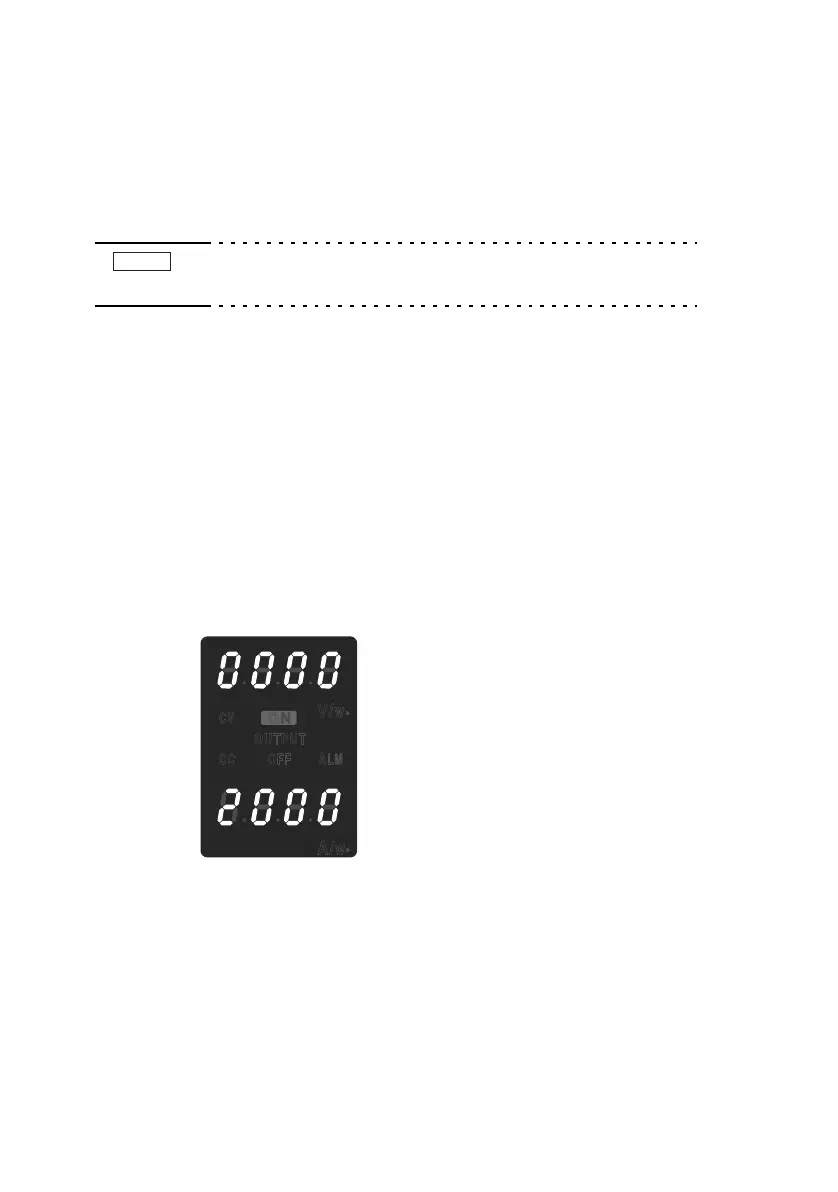
3. Use the dial to set as follows according to the roles of each
power supply unit.
Master unit : 0
Slave unit : 2
Fig.5-4 Setup example of a slave unit for series opera-
tion
You can check the settings by pressing the CONFIG switch. The
e
xtern
al remote control settings are forced to local when units are set
to slave mode.
NOTE








 To Next Page