EasyManua.ls Logo

Kikusui PWR400L - User Manual

Kikusui PWR400L
158 pages
Print Icon
To Next Page IconTo Next Page
Loading...
Part No. Z1-003-902, IA004005
May 2010
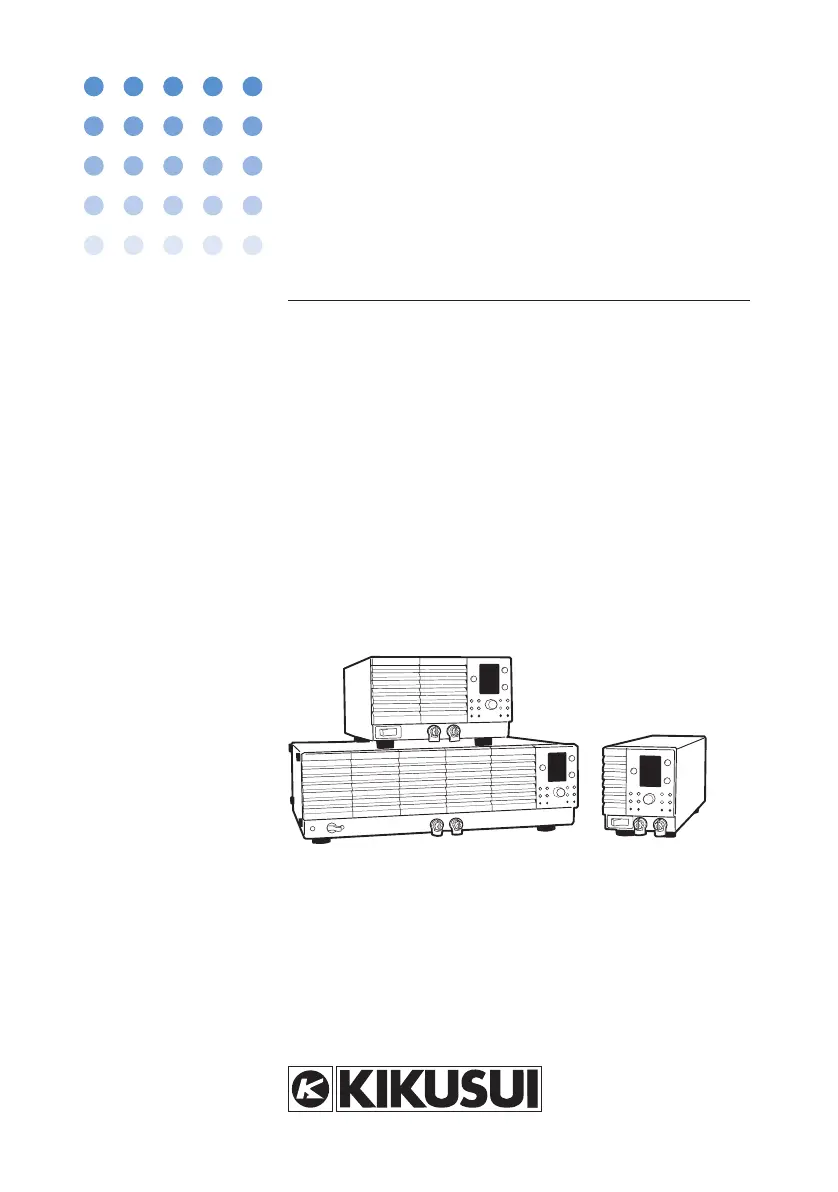
OPERATION MANUAL
Regulated DC Power Supply
PWR Series
400 W Type
800 W Type
1600 W Type
PWR400L PWR400M PWR400H
PWR800L PWR800M PWR800H
PWR1600L PWR1600M PWR1600H

Table of Contents

Other manuals for Kikusui PWR400L

Questions and Answers

  • A
    Andrew RamosAug 7, 2025
    How to fix Kikusui PWR400L when the power does not turn on?
    • C
      coleheidiAug 7, 2025
      If your Kikusui Power Supply doesn't turn on, first, ensure the wiring to the L, N, and GND of the AC INPUT terminal is correctly connected. If the wiring is correct, check the power cord for any damage and replace it if necessary.
  • J
    Joseph MichaelAug 15, 2025
    Why output does not turn on even when the OUTPUT switch is turned on in Kikusui Power Supply?
    • D
      Debra HarrisAug 15, 2025
      If the output of your Kikusui Power Supply doesn't turn on even when the OUTPUT switch is activated, verify that the output voltage and current are set to appropriate values, not 0 V or 0 A. If you're using an external contact for output on/off control, ensure it's correctly configured to turn the output on, with the external control logic set to “turn the output on with a high signal” (C-6: 0). Also, check that the CV/CC control source is set to panel control (C-1: 0 and C-2: 0).
  • J
    Jeffrey McguireAug 20, 2025
    Why is the output unstable on my Kikusui PWR400L?
    • J
      Jacob FoleyAug 20, 2025
      If the output of your Kikusui Power Supply is unstable, first, try warming up the PWR for at least 30 minutes. Ensure the sensing wire or load wire has good contact and isn't broken by turning off the POWER switch and checking the wiring. If the operation mode is switching from CV to CC or CC to CV, change the setting (output voltage or output current) that is limiting the output to a value greater than the present setting, or use a power supply with a larger output voltage or current. If the load current has peaks or is pulse-shaped, increase the preset current or increase the current capacity. If you are not using the remote sensing function, turn it off in the CONFIG settings (C-3: 0).
  • D
    Dillon PattersonAug 25, 2025
    What causes large output ripple in Kikusui Power Supply?
    • K
      Kelsey HowardAug 25, 2025
      If the output ripple is large in your Kikusui Power Supply, ensure the input voltage is within the specified range. If there's a strong magnetic or electrical field nearby, move the PWR away from it and use twisted cables. If the remote sensing function is on and you're not using it, turn it off (C-3: 0) in the CONFIG settings. If external voltage noise is large during external control, take measures against noise.
  • D
    deborahgilbertAug 28, 2025
    Why does my Kikusui Power Supply turn off immediately after turning on?
    • S
      stephaniefigueroaAug 28, 2025
      If your Kikusui Power Supply turns off immediately after being turned on, the protection function might be activated. To temporarily bypass this, turn the POWER switch on while holding down the OUTPUT switch. This will power up the unit with the output temporarily turned off, allowing you to identify and eliminate the cause that is activating the protection function. This issue may occur if the output status setting at power-on is set to “output on at power-on” (C-4: 1).
  • J
    Jason HernandezSep 1, 2025
    How to unlock panel switch on Kikusui PWR400L?
    • A
      Angela MathewsSep 1, 2025
      If you are unable to operate the panel switch on your Kikusui Power Supply, check if the LOCK switch is illuminated. If it is, release the panel operation lock.
  • R
    Russell HughesNov 10, 2025
    What to do if the ALM indicator illuminates on Kikusui PWR400L?
    • C
      Christopher OrtizNov 10, 2025
      If the ALM indicator illuminates when the OUTPUT switch is turned on for your Kikusui Power Supply, the overheat protection function may be activated. Check the operating environment, and inspect the dust filter for clogs or the fan for breakage. Correct the connection if the control cable is loose in the external control, or apply the correct voltage if the external voltage is excessive. Also, if you are not using the remote sensing function, turn it off in the CONFIG settings (C-3: 0). Ensure that the OVP and OCP trip points are set to values greater than or equal to the output voltage and current, respectively. Finally, check the load wire to make sure that the polarity of the remote sensing cable connection is not reversed or shorted, and if you are using remote sensing with a long loa...

Kikusui PWR400L Specifications

General IconGeneral
BrandKikusui
ModelPWR400L
CategoryPower Supply
LanguageEnglish

Related product manuals