26
Operation Instruction
1、Please grasp the plug portion of the cable tightly when inserting or unplugging the power code
connector of the screwdriver.
2、Do not pull the cable tightly, place it close to oil, chemicals, or hot objects. Also, be careful not to
scratch the cable to sharp objects during operation.
3、The KL-CTDS can only be used exclusively for KILEWS power supply, BNK electric screwdriver and
accessories. Do not use the electric screwdriver driver for other machines.
4、If the KL-CTDS overheats occurred or the load current exceeds the maximum rated current of the fuse,
the quick type fuse will blow automatically cut off the power supply; please immediately stop
operation as abnormal condition occurred such as continue fasten shut-off or the switching power, and
the KL-CTDS and electric screwdriver is required return for repair service.
5、Do not disassemble the screwdriver of the electric screwdriver to try to fix it.
6、When not in use, please turn the main power switch to “OFF” position and unplug the power plug.
Grounding instructions
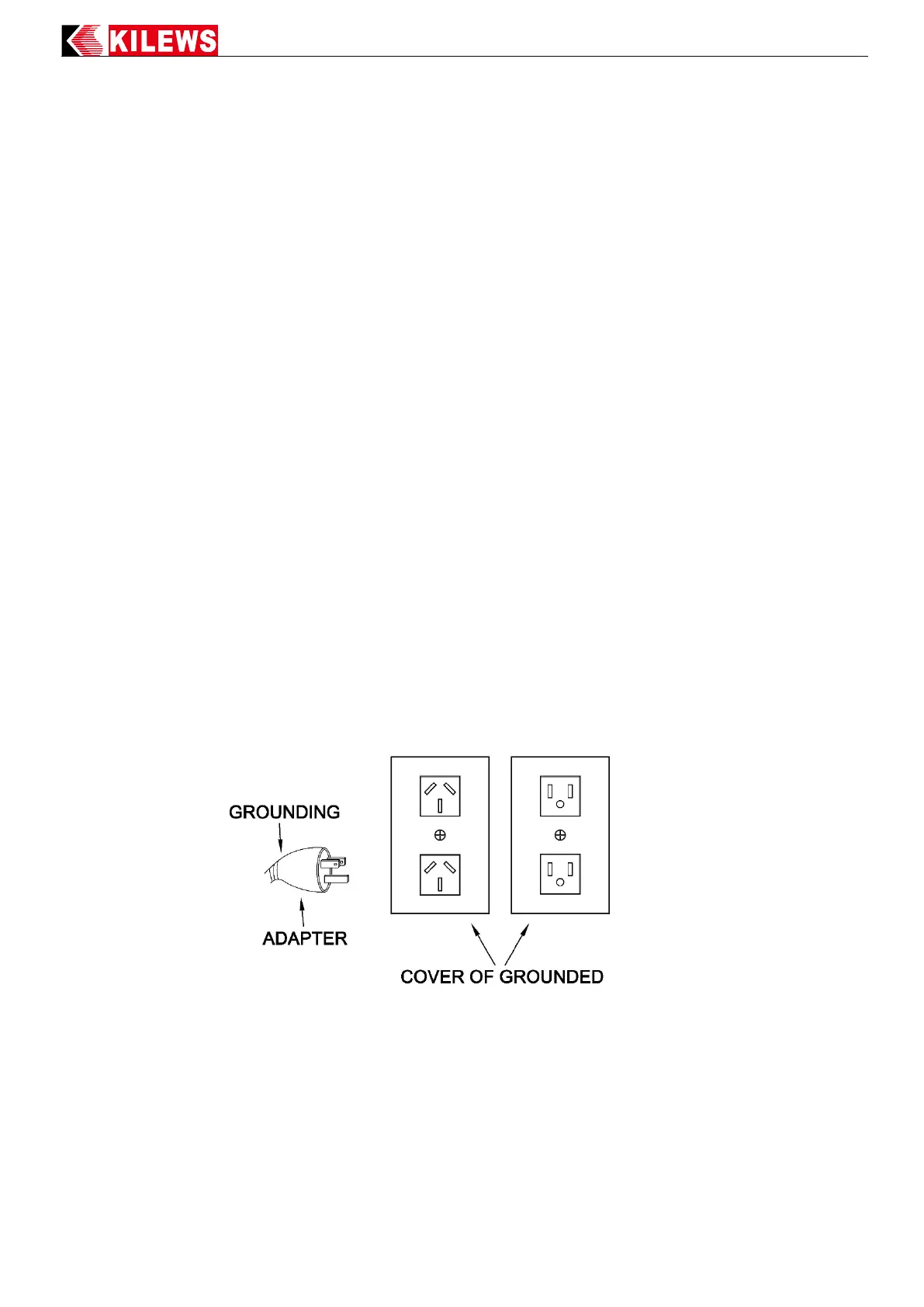
The electric screwdriver, KL-CTDS and power supply should be grounded to prevent the operator from
getting an electric shock. The controller is equipped with three wires and three-pin grounding plugs for
grounding sockets. The grounding wire of the socket itself must be connected to the ground wire of the
power supply device. The yellow-green wire of the wire is the ground wire. Do not connect this
yellow-green wire to an energized connector. The grounding wire in the controller is not only grounded for
safety leakage, but also the ESD static as electricity generated when the driver works can be grounded by
grounding.



 To Next Page