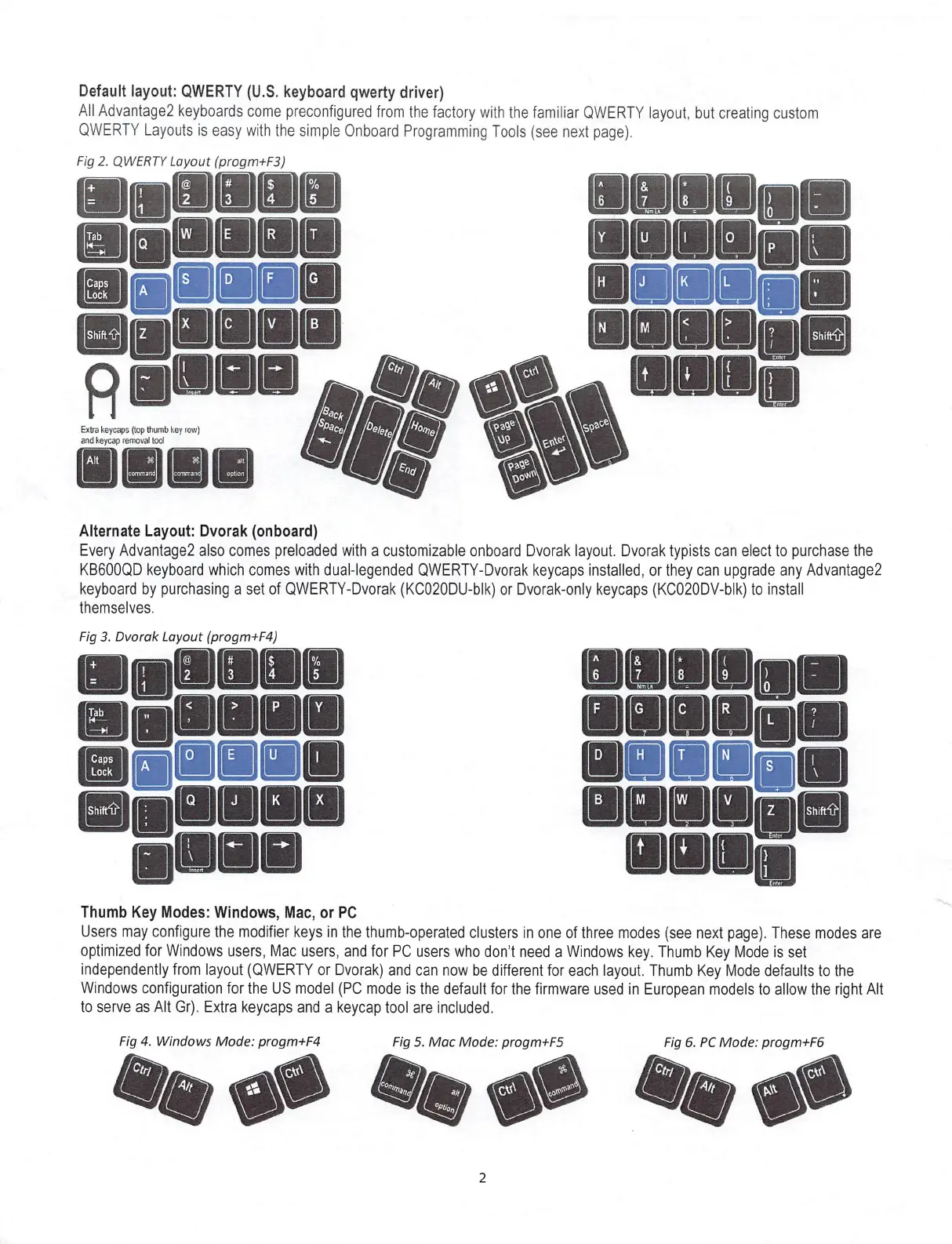
Default layout: QWERTY (U.S. keyboard qwerty driver)
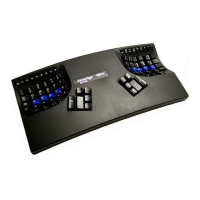
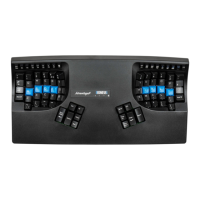
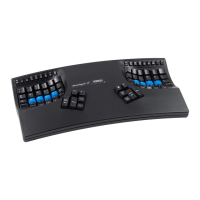
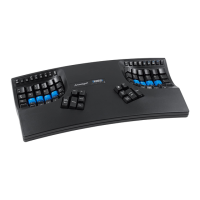
Ail Advantage2 keyboards come preconfigured from the factory with the familiar QWERTY layout, but creating custom
QWERTY Layouts is easy with the simple Qnboard Programming Tools (see next page).
Fig 2. QWERTY Layout (progm+F3)
&
B
agauiiii
■■ naim
paniii)
aasaaoi
N M
Shil
7^
tI
}
i
Air.
/
%
’/
ha.
Extra keyc^s (top thumb key row)
and keycap removal tool
ce.
C7i
I
Alt
I
w
se alt
comntarnJ
option
i
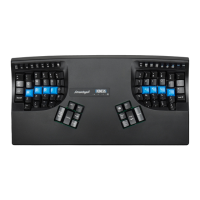
Alternate Layout: Dvorak (onboard)
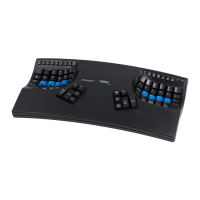
Every Advantage2 also comes preloaded with acustomizable onboard Dvorak layout. Dvorak typists can elect to purchase the
KB600QD keyboard which comes with dual-legended QWERTY-Dvorak keycaps installed, or they can upgrade any Advantage2
keyboard by purchasing aset of QWERTY-Dvorak (KC020DU-blk) or Dvorak-only keycaps (KC020DV-blk) to install
themselves.
Fig 3. Dvorak Layout (progm+F4)
&
[7J
H
Tab
■ gjiiaiin
i!!ian
IB IIIw V
Shifr1>
shift-ih
mmmm
rrrn
\
Thumb Key Modes: Windows, Mac, or PC
Users may configure the modifier keys in the thumb-operated clusters in one of three modes (see next page). These modes are
optimized for Windows users, Mac users, and for PC users who don’t need aWindows key. Thumb Key Mode is set
independently from layout (QWERTY or Dvorak) and can now be different for each layout. Thumb Key Mode defaults to the
Windows configuration for the US model (PC mode is the defauit for the firmware used in European models to allow the right Alt
to serve as Alt Gr). Extra keycaps and akeycap tool are included.
Fig 4. Windows Mode: progm+F4
Fig 5. Mac Mode: progm+F5 Fig 6. PC Mode: progm+F6
2


 To Next Page