KING-METER TECHNOLOGY CO., LTD
No.15, Chenchang Road, Beichen Dist.Tianjin,300134,
CN
Fax:+0086 022 8478 0358 Tel: +0086 022 8478 0378
11
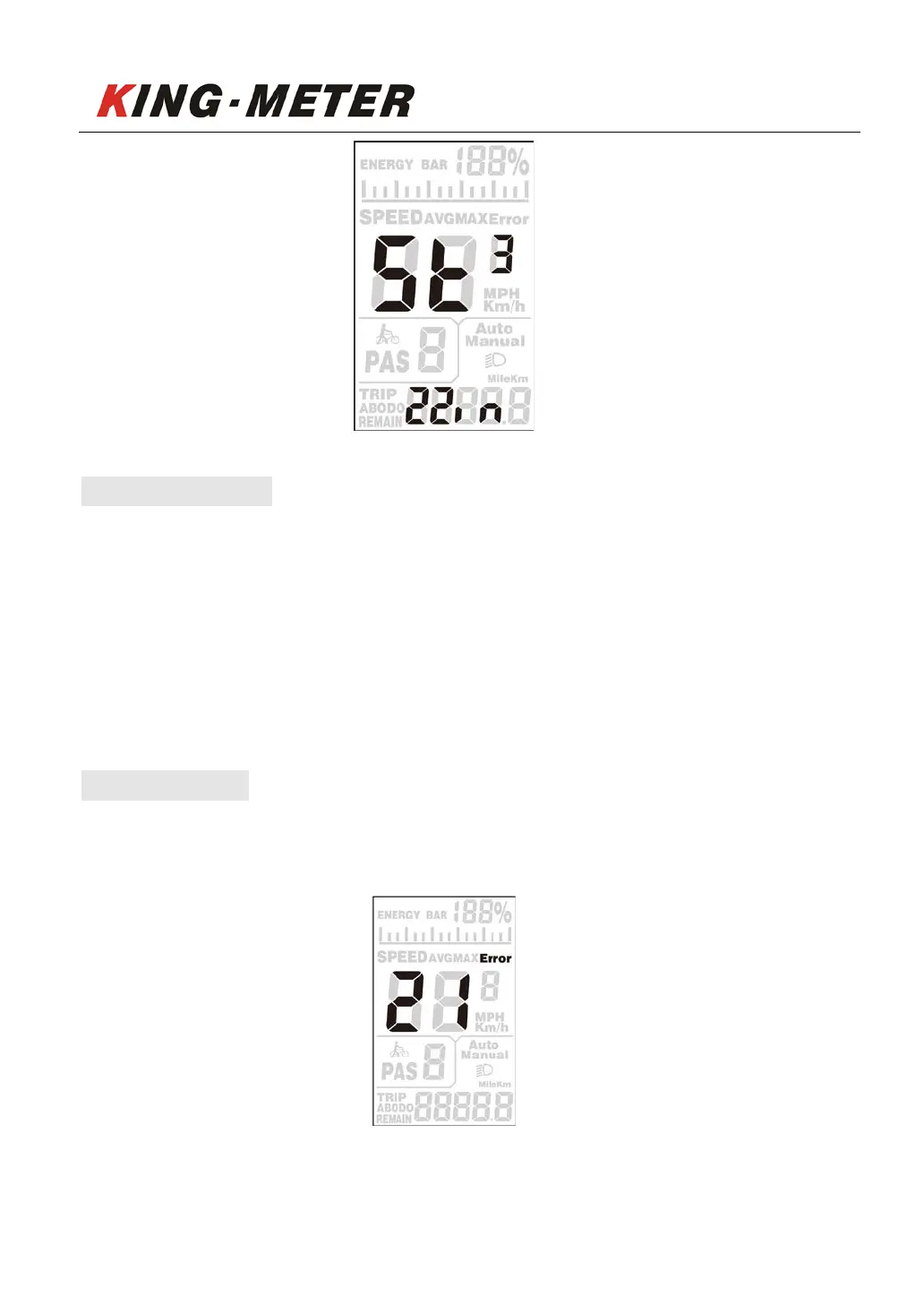
6.4 Exit settings
In the setting state, long press 【MODE】button(more than 2 seconds) to confirm to save the
current setting and exit the current setting state. Long press [DOWN] button(more than 2
seconds) to cancel the current operation and exit the setting without saving the current setting
data.
If no operation is performed within one minute, the display will automatically exit the setting
state.
7. Error code
When the e-bike electronic control system fails, the display will automatically display ERROR
code. For the definition of the detailed error code, see Appendix 1.
Error Interface
Only when the fault is eliminated, the fault display interface be exited, and the e-bike cannot
continue to drive after a fault occurs.


 To Next Page