KING-METER TECHNOLOGY CO., LTD
No.15, Chenchang Road, Beichen Dist.Tianjin,300134,
CN
Fax:+0086 022 8478 0358 Tel: +0086 022 8478 0378
5
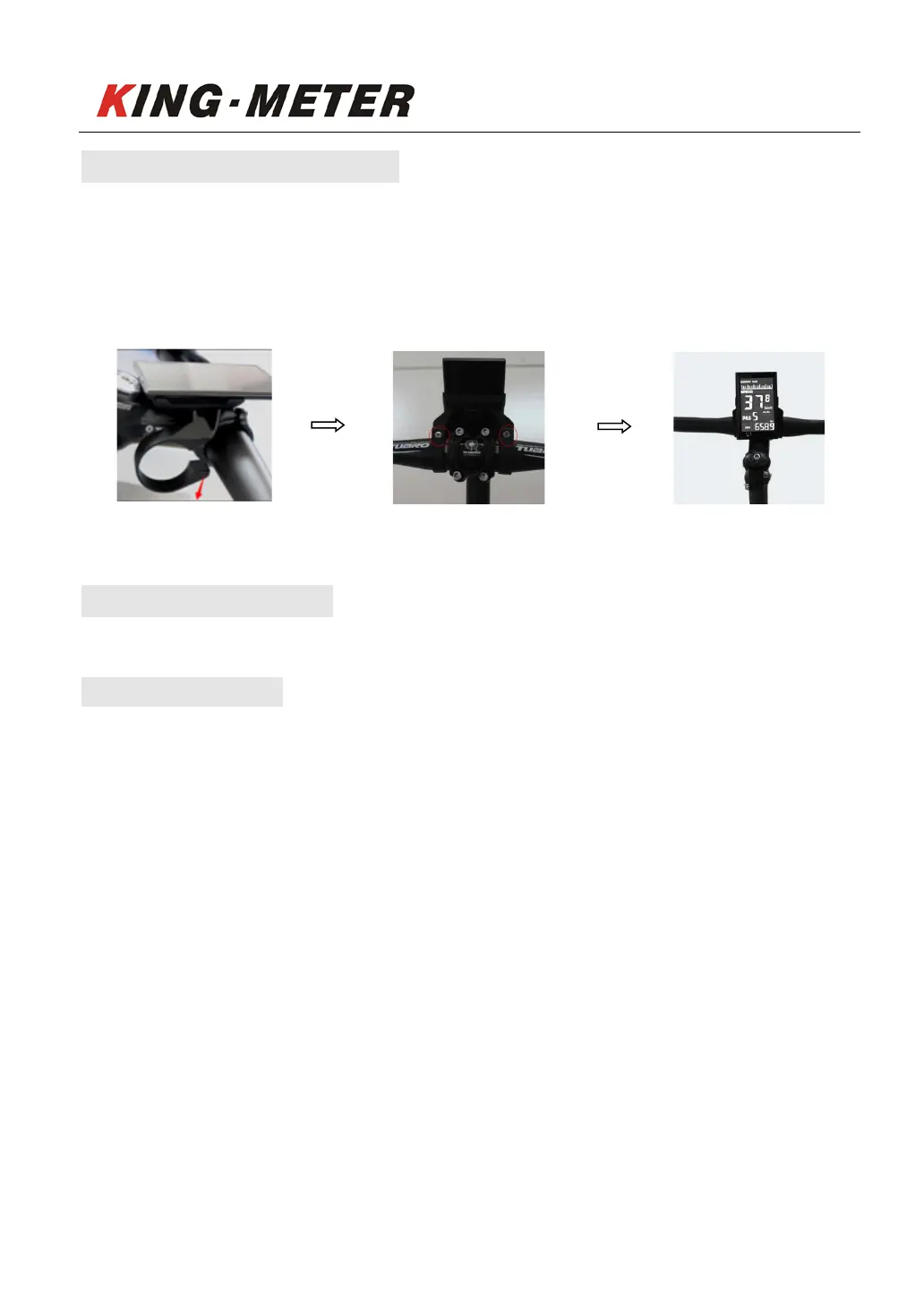
4. Installation Instruction
Step 1: Opening of the holder and snap it to the handlebar. Step 2: Adjust the angle and
tighten the holder with screws. It is recommended to use a torque of 1.5N.M. The final
completion.
Open the holder in the direction of the arrow. Adjust the angle and tighten the screw Installation finished
5. Interface settings
5.1 Power On/Off
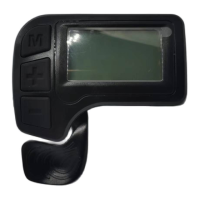
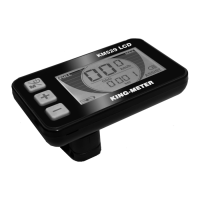
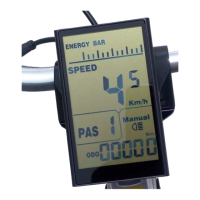
Press and hold ”MODE” for several seconds to toggle the power on or off to both the display
and controller. While the power is off, the display will no longer consume power with a leakage
current is less than 1uA.
The bike will be shut down automatically if it is left idle for 10 minutes.


 To Next Page