-- iKey 使用說明書 --
V1 10
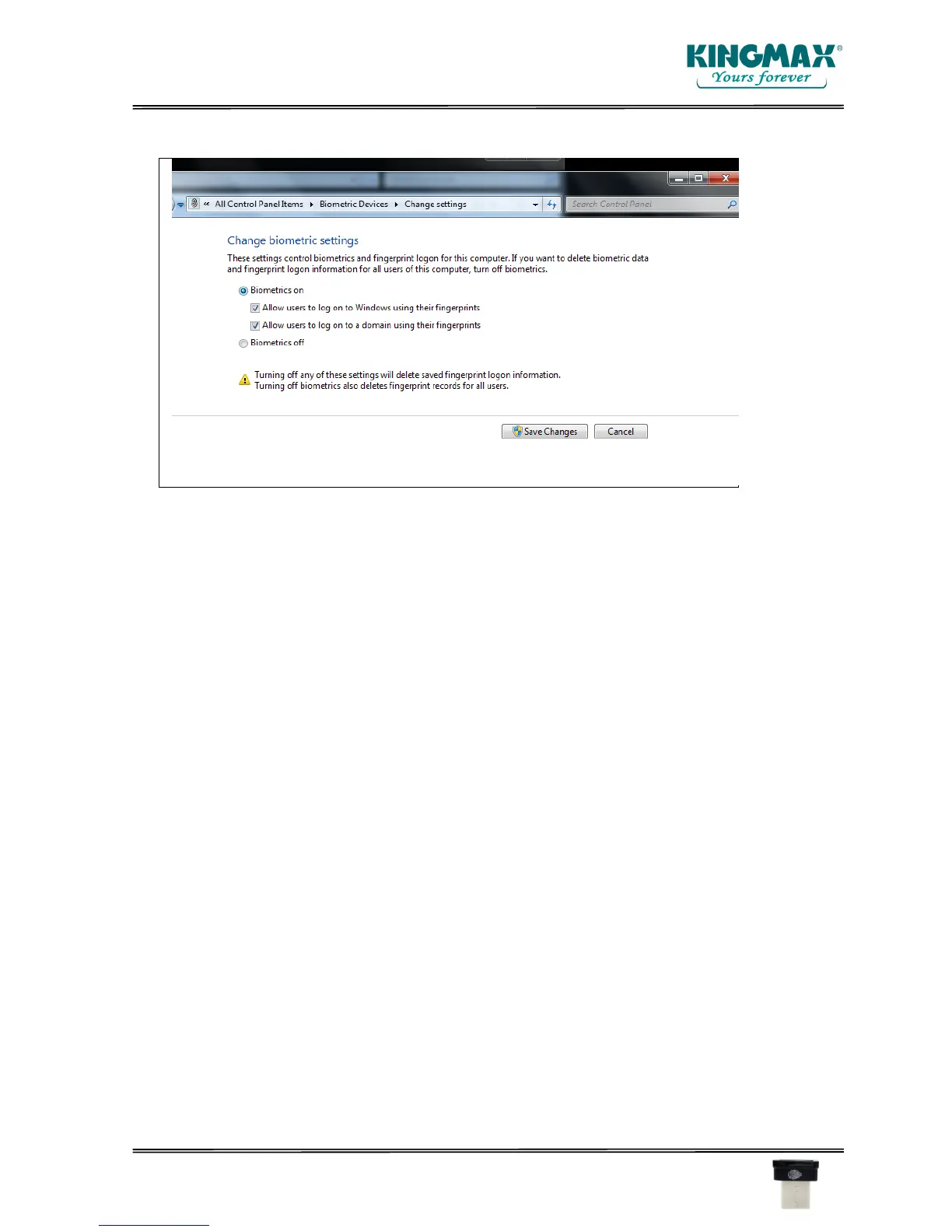
Select Biometric Setting to Allow Users to logon
To log into the computer
Insert the iKey into USB hub
Click on Switch Users
Fingerprint Login
You will need to key in the PIN number (the same PIN as you log into Computer)
If you want to test you need to log out and then scan your finger to log in.
For Win10 Users:
Go to Setting
Windows Hello Account
Windows Hello to create a new Fingerprint
Windows Hello welcome – click START
Key in the PIN number (the same PIN as you log into your computer)
Atten: If you still cannot log into the computer using the fingerprint, please be sure your APP is
the updated version. If the APP is the old version you will need to update.



 To Next Page