-- iKey 使用說明書 --
V1 25
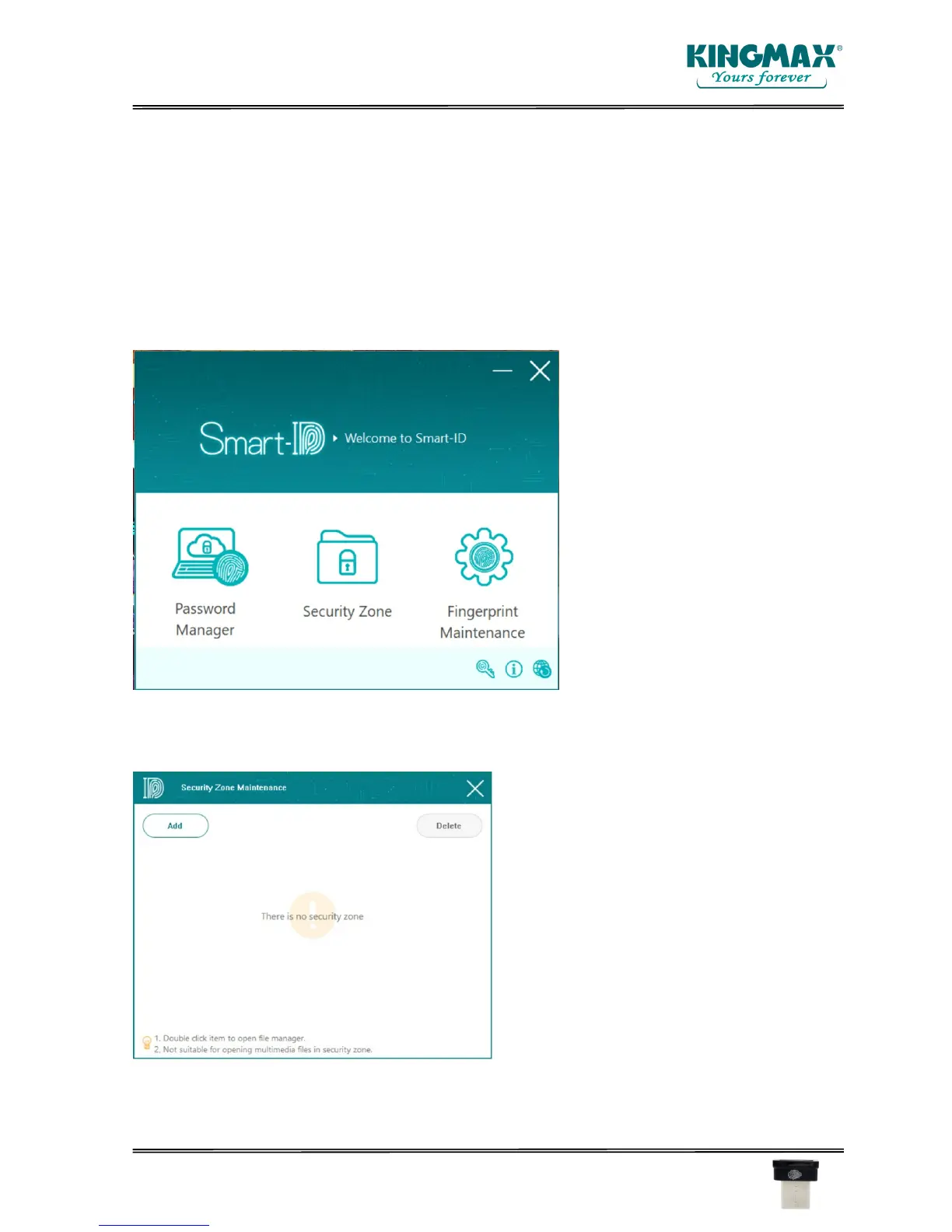
6. Security Zone
You can specify a folder as the security zone. Once a file was copied into the folder or created in
the folder, it will be encrypted automatically. You could drag and drop a file/folder into the
“Security Zone” icon directly. Even, you can open a file by double clicking the file. After editing and
saving the file opened, it will be encrypted automatically.
Select “Security Zone” feature on the main panel.
The following folder-specify window will pop up.



 To Next Page