-- iKey 使用說明書 --
V1 19
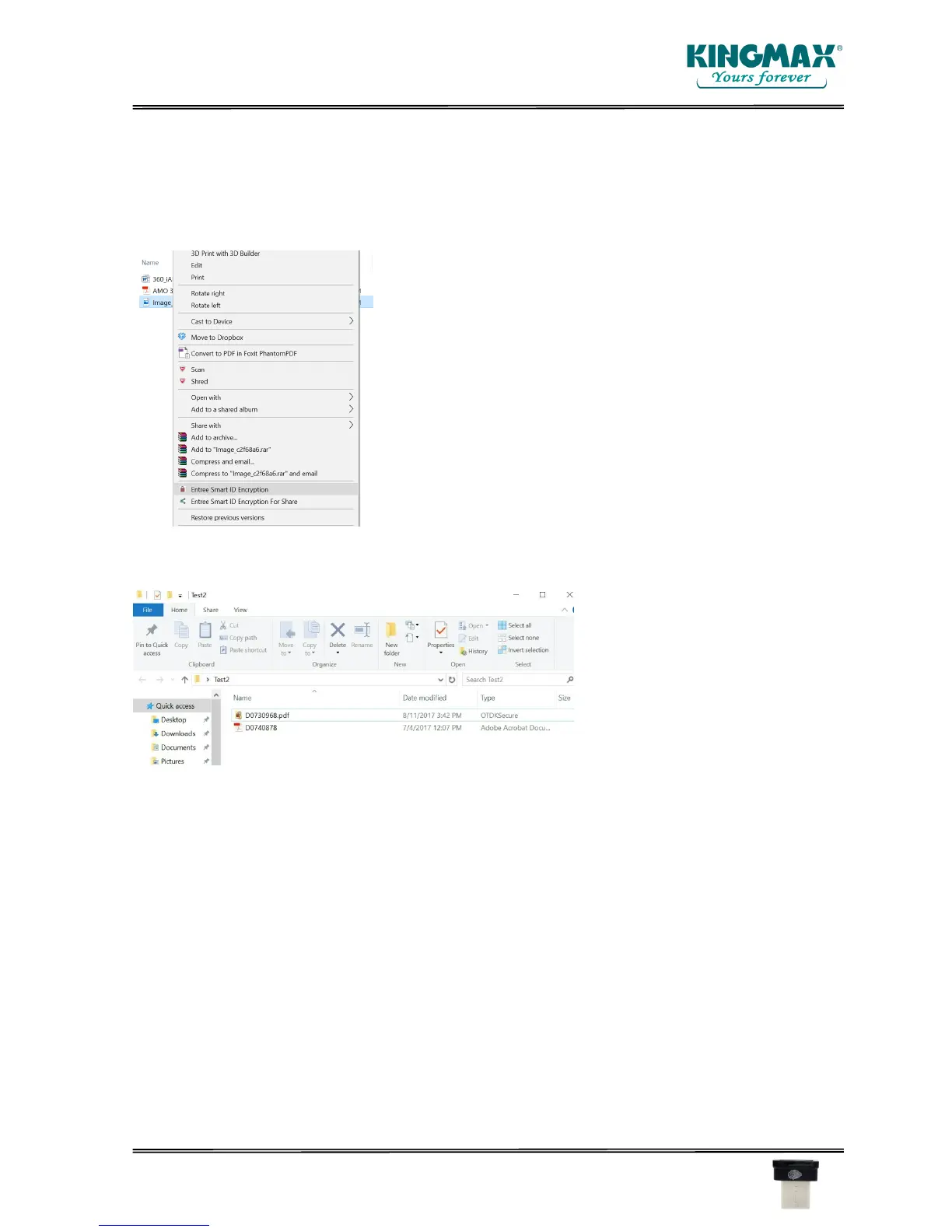
4. File/files encryption/decryption.
You can select file/files to encrypt. After selecting the file/files, click the right button of the mouse
and select the “Smart ID Encryption” feature.
The file/files will be encrypted as the following.
If you want decrypt the encrypted file, just double click it. The fingerprint validation window will
pop up. The validation can be done by fingerprint or Windows login password.



 To Next Page