-- iKey 使用說明書 --
V1 3
1. How to install Smart ID driver
Install Smart ID software according to your Windows version.
Win10: Insert the Smart ID dongle, the computer will automatically downloading the Smart ID Drive.
(Attention: Please close firewall or anti-virus software before installation!!!)
Win7/8: Please go to Kingmax website to download the Smart ID software.
http://www.kingmax.com/zh-tw/product/product/Model/iKey
File name: EFD1.1.02111_USB_Driver_WHQL.rar
(Attention: Please close firewall or anti-virus software before installation!!!)
2. How to install Smart ID software
Install Smart ID software according to your Windows version.
Win10: Insert the Smart ID dongle, the computer will automatically downloading the Smart ID
software. (Attention: Please close firewall or anti-virus software before installation!!!)
Win7/8: Please go to Kingmax website to download the Smart ID software.
(Attention: Please close firewall or anti-virus software before installation!!!)
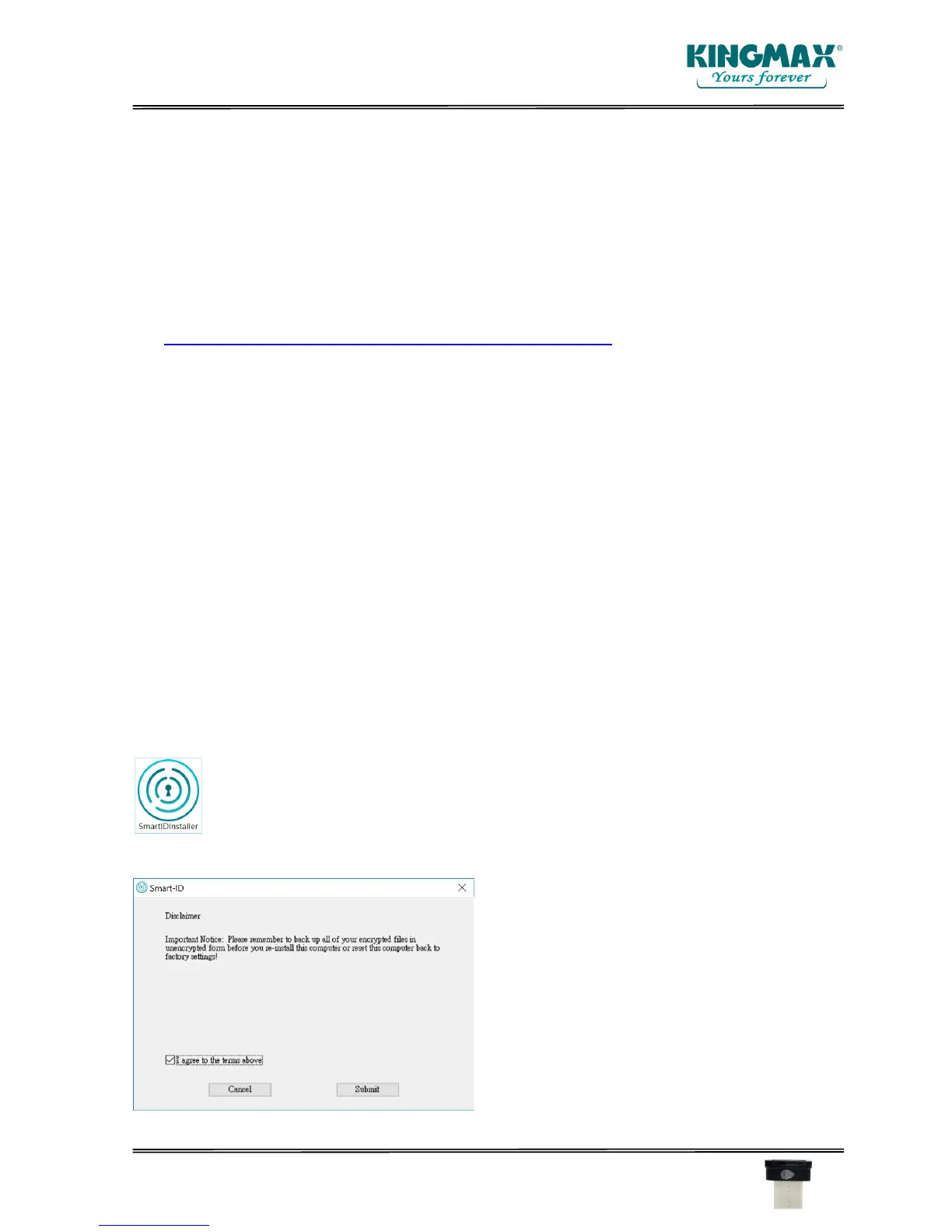
Get the SmartIDInstaller software. Double click the execution file.
Follow the process of the installation step by step.



 To Next Page