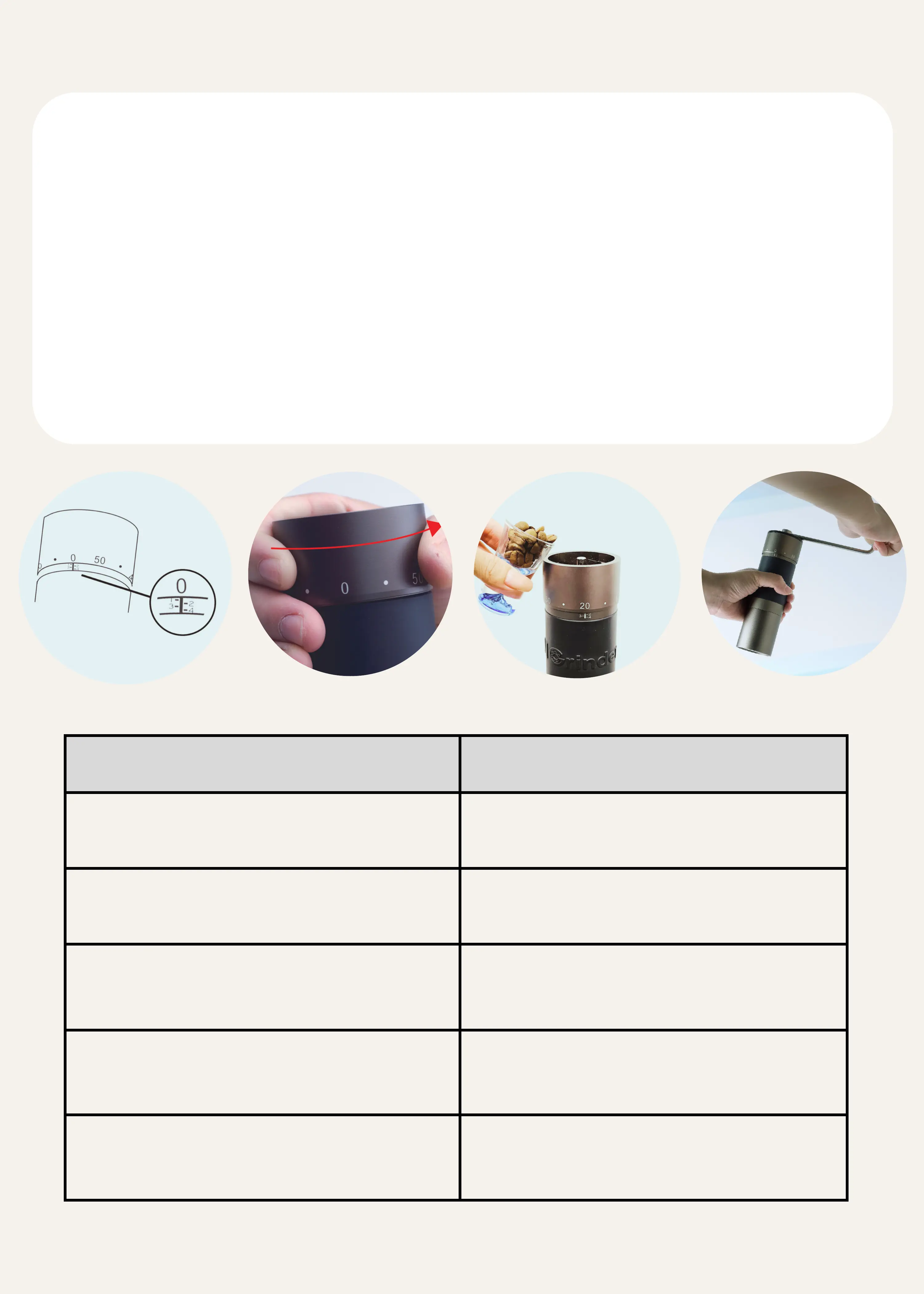
HOW TO OPERATE THE GRINDER?
Gently rotate the adjustment nut clockwise until it stops at number 0.
The number 0 is the correct zero position, do not over tighten it to
past number 0.
1.
Rotate the adjustment nut counterclockwise to the recommended
grinding clicks (Please refer to the table below).
2.
Place 30~35g of coffee beans on the grinder.3.
Place the handle on and start grinding.4.
RECOMMENDED GRINDER SETTINGS
※One round is equivalent to 60 clicks.
※For reference only; adjustments may be made according to personal preference.



 To Next Page