6、 1-Wire
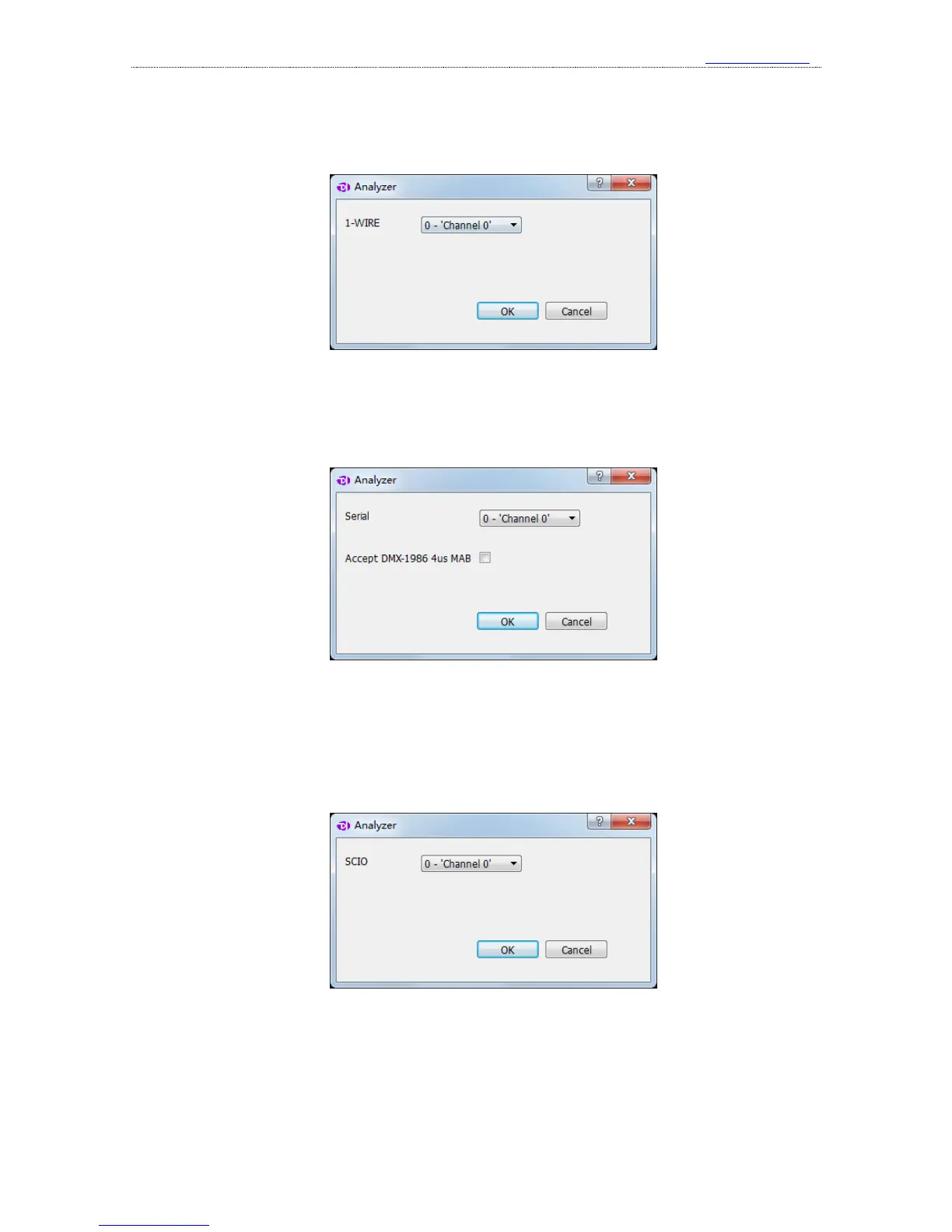
The setting dialog of 1-Wire analyzer is shown below:
1
st
item, the channel to use.
7、 DMX-512
The setting dialog of DMX-512 analyzer is shown below:
1
st
item, the channel to use.
2
nd
item, accecpt DMX-1986 4us MAB signal or not.
8、 UNI/O
The setting dialog of UNI/Oanalyzer is shown below:
1
st
item, the channel to use.
9、 User-defined protocol analyzer
User-defined protocol analyzer
Besides the standard protocol analyzers in the software, the API functions provided by the



 To Next Page