K110sm8e3.doc
8-31
Also you need to check whether or not the Feed Distance is proper after replacing the following
part. (Please record the current setting value before the replacement and then input the same
value after the replacement.)
(1) Main Board
[Operation]
1. Connect the scanner unit and the PC directly with the USB 2.0 Cable.
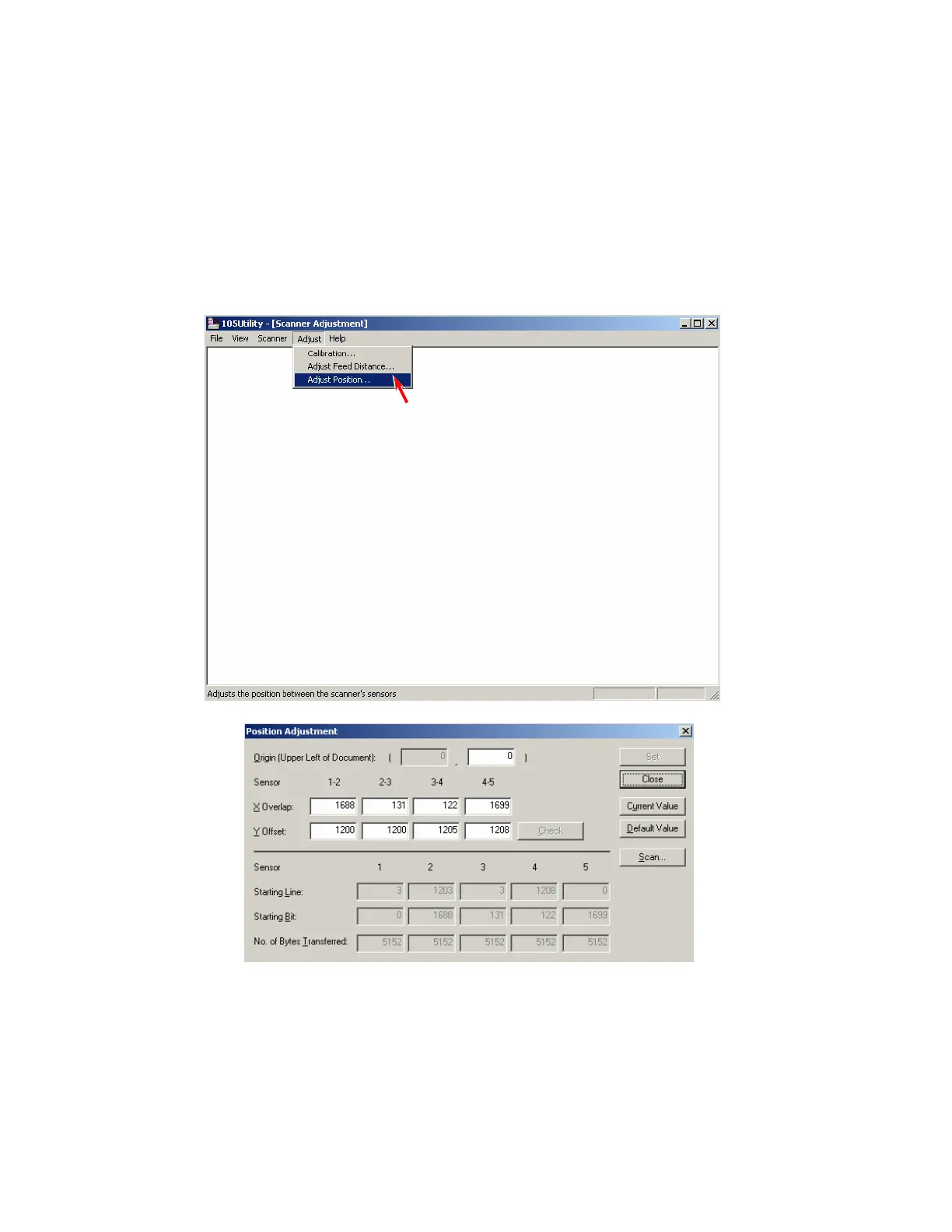
2. Start Utility Software.
3. Select [Calibration] under [Adjust].
The Adjust Feed Distance Dialog is displayed.



 To Next Page