K110sm8e3.doc
8-17
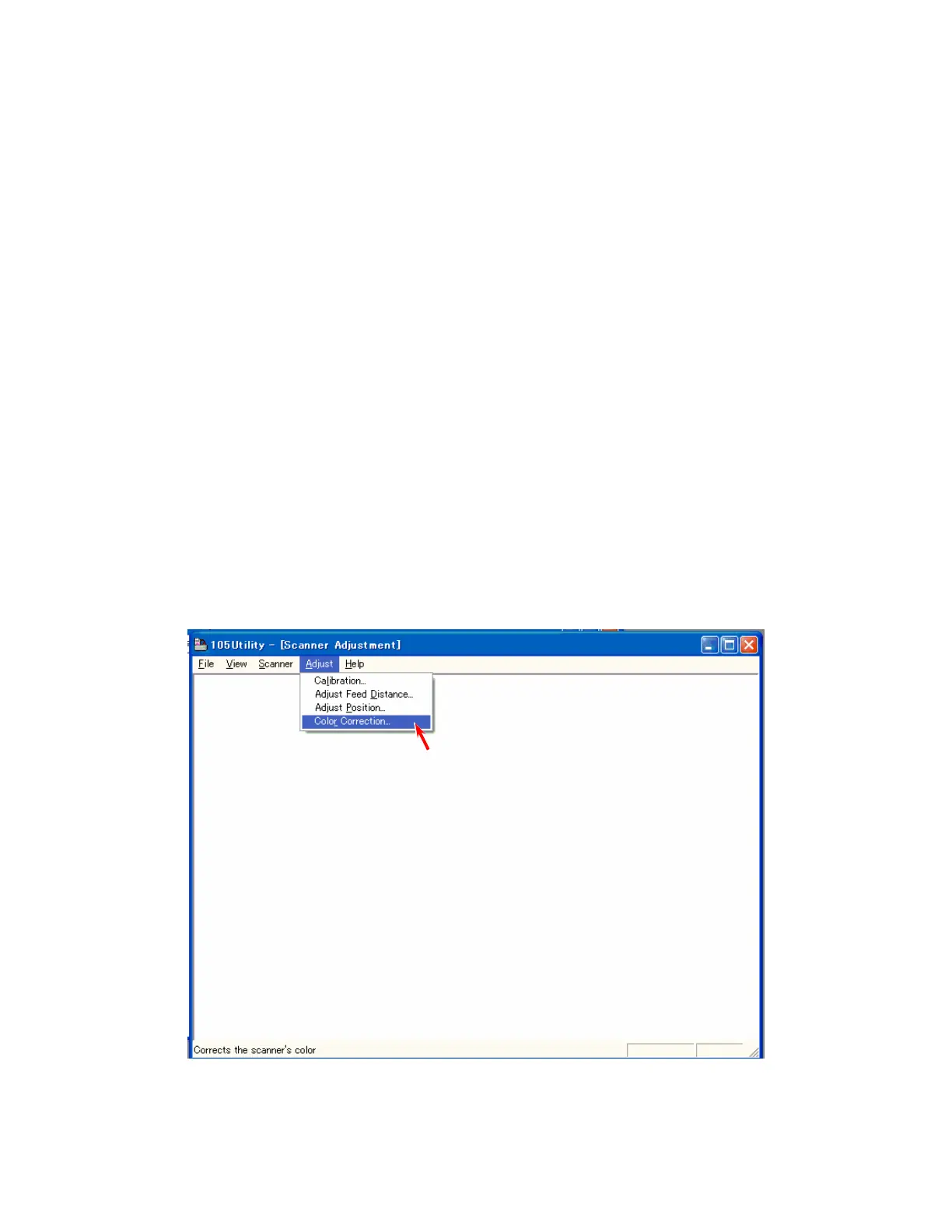
8. 4. 2 Color Correction
[Purpose of adjustment]
The pixels on the CIS are not same but they have their own characteristic.
This may be a problem because the inputs (color) from those pixels are uneven although they read
the same image (color).
But the Color Correction compensates the input from each pixel properly to remove the
unevenness among the pixels.
As a result the even level of input can be expected from every pixel after the Color Correction.
[Necessary situation]
Color Correction is required when;
• Initialization (on the KIP 600’s setup)
• Periodic field maintenance (every 300-400,000 sq ft)
• After replacing;
(1) CIS Assembly
(2) Scan Glass Assembly
(3) CIS Controller Board
(4) Main Board
[Operation]
1. Connect the KIP 600 and the PC directly with a USB 2.0 Cable.
2. Start Utility Software.
3. Select [Color Correction] under [Adjust].



 To Next Page